
Working from home has become the new normal for many of us, and whether you love it or tolerate it, one thing is clear: quality audio makes a world of difference. I’ve been on countless calls while navigating the challenges of remote work, and I kept thinking about how much smoother those conversations would be with the right headset. That’s why I created this post. It’s my way of helping you avoid the frustration of poor sound quality, distractions, and uncomfortable gear.
If you’re someone who spends hours on video calls or conference calls, this guide is tailored for you. You care about comfort and functionality while keeping your home office stylish and ergonomic. You’ll find the best work-from-home headsets that combine comfort, audio quality, and features like noise cancellation to enhance your work experience.
By the end of this post, you’ll have a list of eight fantastic headsets to consider, complete with insights into each model’s strengths. I aim to provide you with options that not only serve your audio needs but also fit seamlessly into your remote work setup.
Key Takeaways
– The right headset can significantly improve your remote work experience by enhancing audio quality and comfort.
– Look for headsets with noise-canceling features to minimize distractions during calls.
– Ergonomic design is key; choose comfortable headphones that can be worn for extended periods without discomfort.
– Consider wireless options for greater mobility within your home office.
– Each of the headsets listed is suitable for long hours of calls, making them perfect as home office essentials.
1. Bose Noise Cancelling Headphones 700
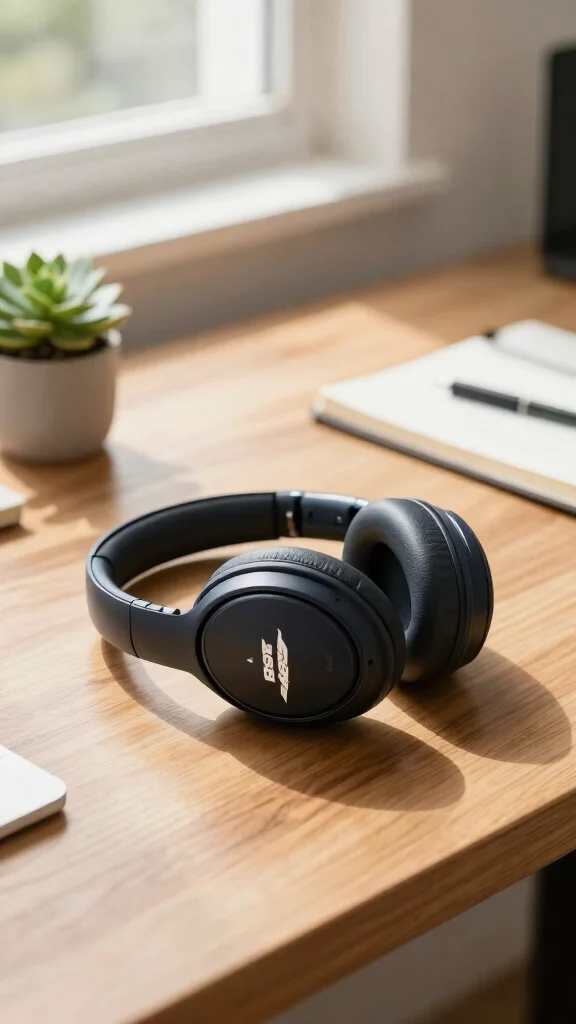
Embracing a design that prioritizes tranquility, the Bose Noise Cancelling Headphones 700 stand out for their exceptional sound quality and comfort. They create a serene soundscape, blocking out distractions so you can immerse yourself in calls or music effortlessly. Their sleek design, combined with plush ear cushions, makes them perfect for long hours at your home office.
To truly make the most of these headphones, consider how they can fit into your daily routine. With their intuitive touch controls and long-lasting battery, they are a practical choice for anyone working from home. Plus, their stylish look can enhance your workspace without breaking the bank.
Here are some ways to integrate them into your setup:
– Pair with a stylish desk for an elegant workspace.
– Use with a dedicated charging station for convenience.
– Incorporate a soft lighting setup to create a calming atmosphere.
– Install sound-absorbing panels to further enhance audio quality.
Investing in the Bose 700 not only enhances your audio experience but also elevates the visual appeal of your workspace, thanks to their modern design and premium materials.
Bose Noise Cancelling Headphones 700
Editor’s Choice

Evolve2 85 – USB-C MS Teams Stereo – Black Wireless Headset/Music Headph…


Bose 700 Noise-Cancelling Bluetooth Headphones (Triple Black) (Renewed)
2. Sony WH-1000XM4
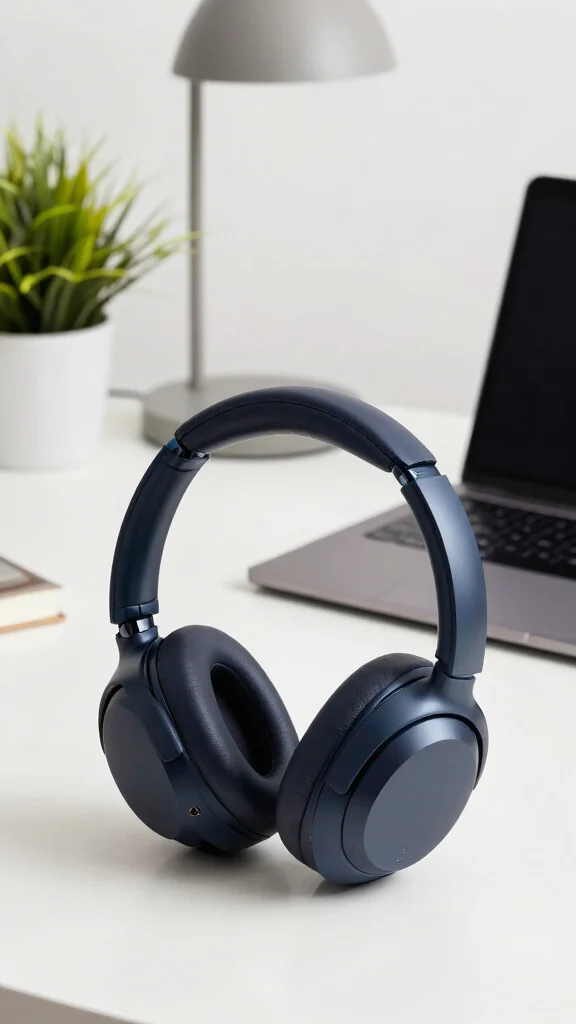
The Sony WH-1000XM4 delivers a remarkable audio experience while ensuring you remain focused during work. Their advanced noise-canceling technology adapts to your environment, making them ideal for both bustling homes and quiet offices. The plush ear cushions add to their comfort, allowing for extended use without discomfort.
These headphones not only enhance your listening experience but also align with current trends emphasizing comfort and functionality. Their long battery life means you can rely on them throughout your workday, and their classy design complements any office decor.
Maximize their potential with these tips:
– Use the app to customize sound settings.
– Pair with a standing desk for ergonomic benefits.
– Incorporate a sleek headphone stand for organization.
– Install soft fabric curtains to reduce ambient noise.
Choosing the Sony WH-1000XM4 means investing in productivity and style, creating a workspace that inspires creativity and focus.
Sony WH-1000XM4
Editor’s Choice

WH-1000XM4 Wireless Premium Noise Canceling Overhead Headphones with Mic…

Logitech H390 Wired Headset for PC/Laptop, Stereo Headphones with Noise …

QuietComfort Headphones – Wireless Bluetooth Headphones, Active Over Ear…
3. Jabra Evolve2 65
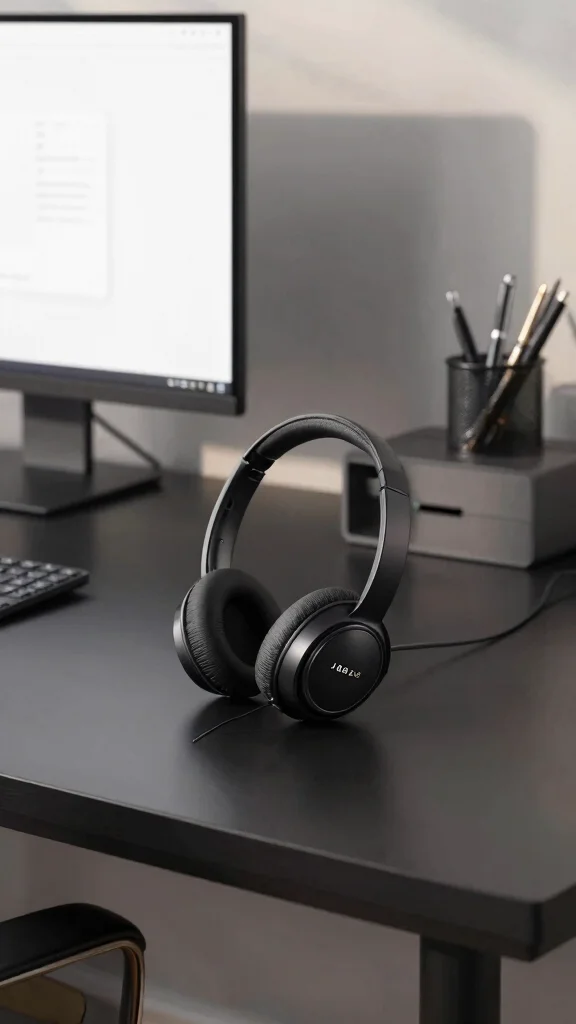
For professionals seeking top-notch call quality, the Jabra Evolve2 65 is a fantastic choice. Specifically engineered for work environments, these wireless headphones excel in delivering crystal-clear audio during video calls. The boom microphone effectively filters out background noise, ensuring your voice comes through loud and clear.
With an impressive battery life, you can stay connected all day without interruptions. Their sleek design fits well in both corporate and home office settings, making them a versatile addition to your workspace.
Consider these features to enhance your work experience:
– Connect to multiple devices for seamless switching.
– Incorporate a comfortable chair for long meetings.
– Use a desk organizer to keep your workspace tidy.
– Install a soundproof mat under your desk for added noise reduction.
The Jabra Evolve2 65 is not just a headset; it’s a vital tool for clear communication and professional presence in your home office.
📹 Related Video: Jabra Evolve2 65 -In-Depth Review With Mic & Wireless Range Test!
📝 Personalize Your Workspace Today!
Transform your home office with creative ideas that enhance comfort and productivity while working from home.
Jabra Evolve2 65
Editor’s Choice

Voyager Focus UC with Charge Stand – Discontinued

Logitech Zone 301 Wireless Bluetooth Headset with Noise-Canceling Microp…

Evolve 65 TE (Third Edition) Wireless Single-Ear Headphones – Noise-Canc…
4. Apple AirPods Max
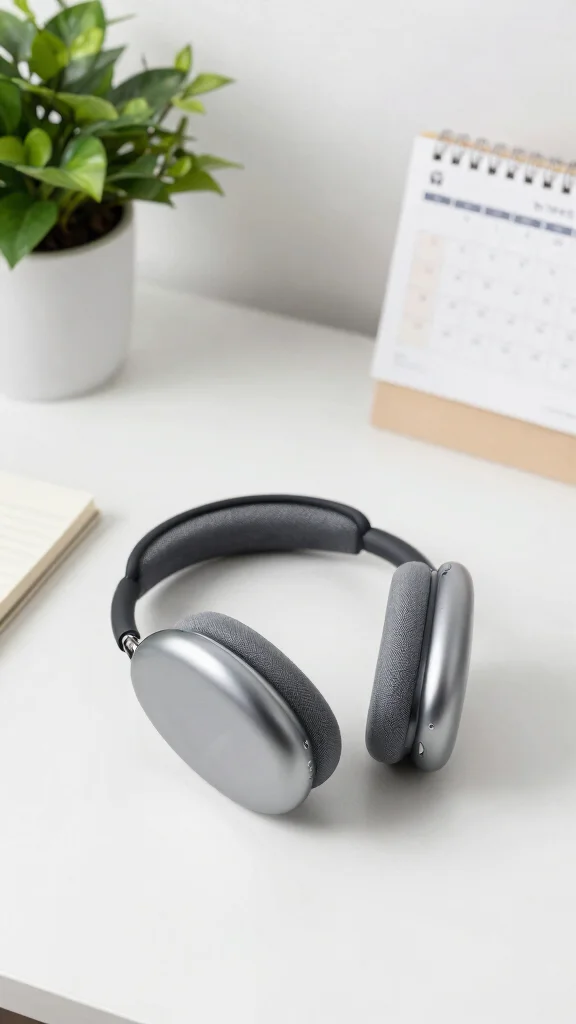
The AirPods Max by Apple merge luxury with high-performance audio, making them a standout choice for discerning users. Their elegant design ensures a comfortable fit, allowing you to focus on your work without distractions, thanks to their active noise cancellation feature. The sound quality is nothing short of extraordinary, providing a rich listening experience.
Incorporating these headphones into your workspace not only elevates your audio but also adds a touch of sophistication. Their seamless integration with other Apple products enhances convenience and functionality while maintaining an elegant aesthetic.
Explore these practical applications:
– Pair with a stylish desk mat for a cohesive look.
– Use with a wireless charger to keep them powered.
– Incorporate calming artwork for a serene environment.
– Install acoustic panels to improve sound quality.
Investing in AirPods Max means embracing unparalleled sound while enhancing the elegance of your home office.
Key Trade-offs & Our Top Pick
1. Bose Noise Cancelling Headphones 700
– Pros:
– Excellent noise-canceling technology that blocks out distractions.
– Comfortable design for hours of wear.
– Touch controls for easy use during calls.
– Cons:
– Higher price point compared to other options.
– Battery life could be better for long days.
– Best for: Those who prioritize sound quality and noise cancellation in busy home environments.
2. Sony WH-1000XM4
– Pros:
– Great noise cancellation and sound quality.
– Long battery life, offering up to 30 hours of use.
– Adaptive sound control adjusts to your location.
– Cons:
– Some users find the touch controls tricky to master.
– Bulkier design may not suit everyone’s taste.
– Best for: Users looking for long-lasting comfort and excellent audio performance.
3. Jabra Evolve2 65
– Pros:
– Optimized for professional calls with a dedicated microphone.
– Comfortable for extended wear, especially during long meetings.
– Strong wireless range and reliability.
– Cons:
– Limited noise cancellation compared to over-ear models.
– Design may feel less stylish for casual use.
– Best for: Remote workers who take frequent calls and need clear audio.
4. Apple AirPods Max
– Pros:
– Superb sound quality with spatial audio features.
– Premium build quality and comfortable fit.
– Seamless integration with Apple devices.
– Cons:
– Very high price tag may deter budget-conscious buyers.
– Heavier than many other headsets, which might not suit everyone.
– Best for: Apple users who want high-end audio and features.
5. HyperX Cloud II
– Pros:
– Excellent sound quality for its price range.
– Comfortable design, ideal for long sessions.
– Comes with a detachable microphone.
– Cons:
– Noise isolation is less effective than higher-end models.
– Wired connection may not appeal to everyone.
– Best for: Gamers or users on a budget seeking solid audio quality.
Expert Recommendation:
Best Overall: Sony WH-1000XM4
The Sony WH-1000XM4 stands out as the top choice for most users. You get impressive noise-cancellation, a long battery life, and outstanding sound quality, all in a comfortable package. This headset offers great value for your investment, whether you’re in meetings or enjoying music during breaks.
Why We Picked This:
While the Sony WH-1000XM4 is our top pick, others may prefer different options based on their needs. If you want premium features and don’t mind the price, the Apple AirPods Max could be right for you. For those on a budget, the HyperX Cloud II provides good quality without breaking the bank. Choose the headset that aligns best with your work-from-home style and audio needs.
Apple AirPods Max
Editor’s Choice
WH-1000XM4 Wireless Premium Noise Canceling Overhead Headphones with Mic…


Wireless Headset with Noise Cancelling Microphone, On-Ear Bluetooth Head…
5. HyperX Cloud II
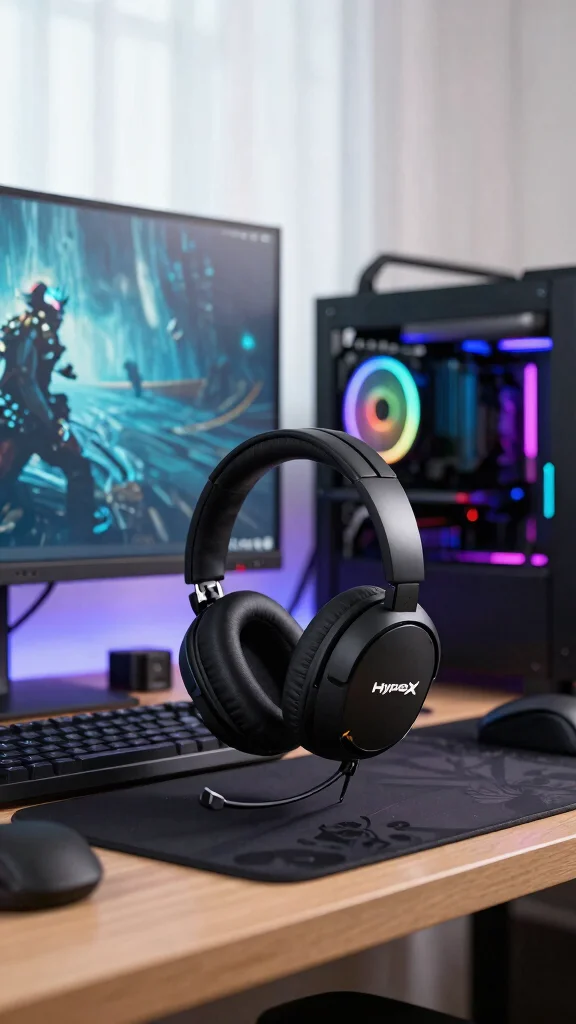
For those who blend work and play, the HyperX Cloud II provides the perfect balance. With rich sound quality and a comfortable design, these headsets cater to both long conference calls and gaming sessions. Their durable construction ensures longevity, and the memory foam ear cushions enhance comfort during extended use.
This versatility makes them a smart choice for anyone working from home, especially if you enjoy gaming after hours. Their stylish look integrates well into modern office setups, providing both function and flair.
Here’s how to maximize their use:
– Use for both gaming and work calls seamlessly.
– Incorporate RGB lighting for a fun workspace.
– Install a wall-mounted rack for easy storage.
– Pair with an ergonomic desk chair for comfort.
The HyperX Cloud II is your all-in-one solution—ideal for productivity and leisure alike.
Fun fact: a comfy headset with memory foam can cut fatigue during back-to-back calls. The HyperX Cloud II nails that balance between work and play, proving the best work from home headset can double as after-hours entertainment.
HyperX Cloud II
Editor’s Choice

Arctis Nova 7 Wireless Gen 2 Gaming Headset – Real-Time App Control, 50+…

Cloud II Gaming Headset – 7.1 Surround Sound – Memory Foam Ear Pads – Du…

Logitech G PRO X Wireless Lightspeed Gaming Headset with Blue VO!CE Mic …
6. Sennheiser HD 450BT
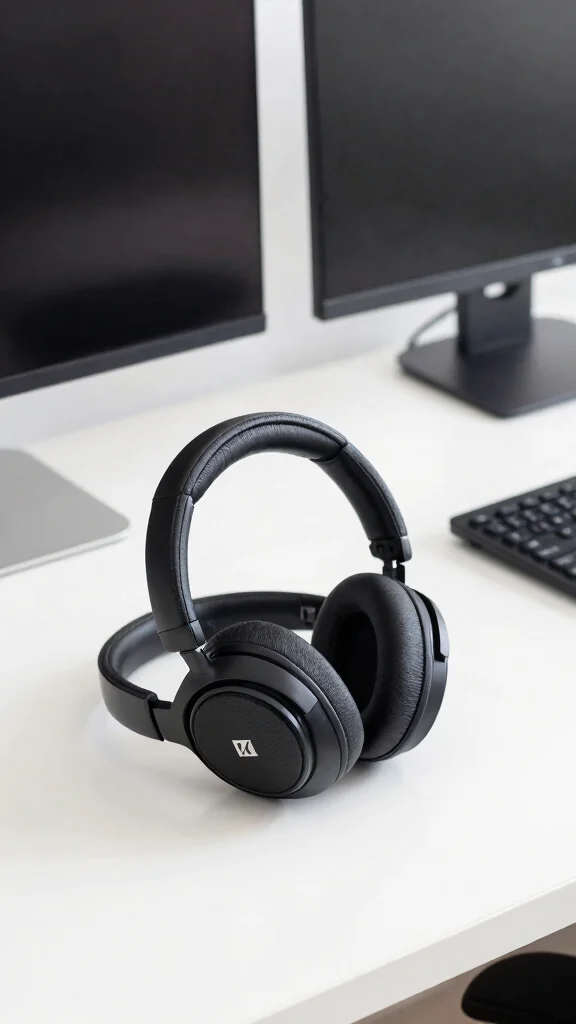
Renowned for their sound quality, the HD 450BT from Sennheiser offers an affordable yet premium listening experience. These headphones feature effective noise cancellation, making them perfect for focused work sessions in busy environments. Their lightweight design ensures comfort, allowing you to work for hours on end without discomfort.
These headphones are ideal for anyone on a budget who doesn’t want to compromise on quality. They fit well into any home office aesthetic, ensuring you maintain a stylish look while being productive.
Consider these benefits:
– Enjoy up to 30 hours of battery life.
– Customize your audio experience with adjustable settings.
– Use their foldable design for easy transport.
– Enhance your workspace with minimalist decor.
Choosing the Sennheiser HD 450BT means enjoying high-quality sound without overspending, making them a smart addition to your home office.
Sennheiser HD 450BT
Editor’s Choice

HD 450BT Replacement Ear Pads, Upgraded Cooling Gel Ear Pads for Sennhei…
7. Logitech H800
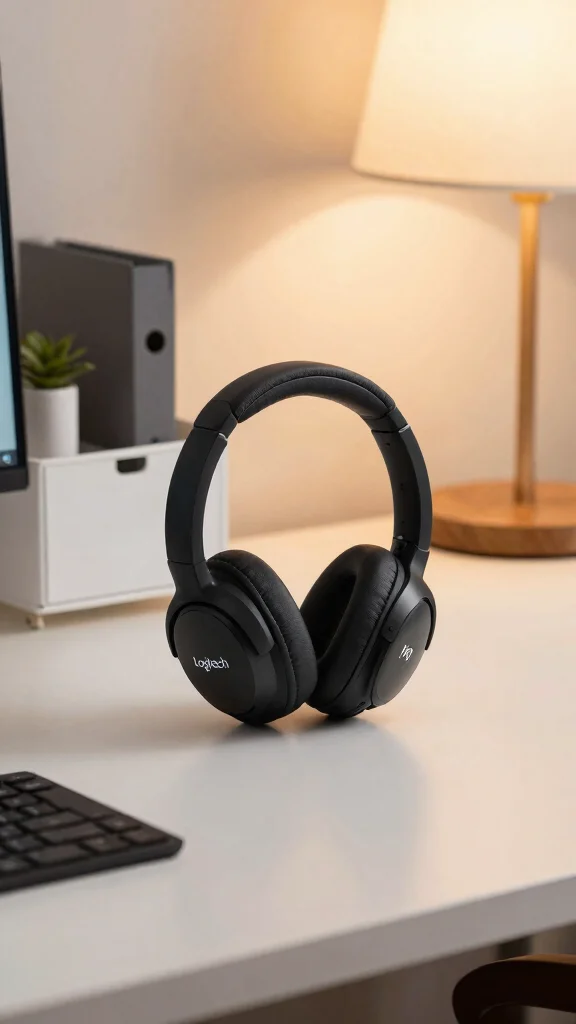
The Logitech H800 stands out as a budget-friendly option that excels in quality. Perfect for remote work, these wireless headphones provide comfort and flexibility while eliminating tangled cords. The noise-canceling microphone ensures your voice is crystal clear during calls.
These headsets are great for casual users who need reliable performance without a hefty price tag. Their modern design seamlessly integrates into any home office while offering solid functionality.
Here’s why they’re a great choice:
– Connect via USB or Bluetooth for versatility.
– Enjoy up to 6 hours of battery life for casual use.
– Experience a lightweight design for all-day wear.
– Choose a sleek color scheme that matches your decor.
The Logitech H800 is a practical option for anyone seeking quality and reliability in their work-from-home setup.
Fun fact: you can ditch cords and still stay stylish with the Logitech H800—the budget-friendly choice that nails crystal clear calls. This is the best work from home headset for casual setups, pairing comfort with a sleek look that fits any home office decor.
8. Microsoft Surface Headphones 2
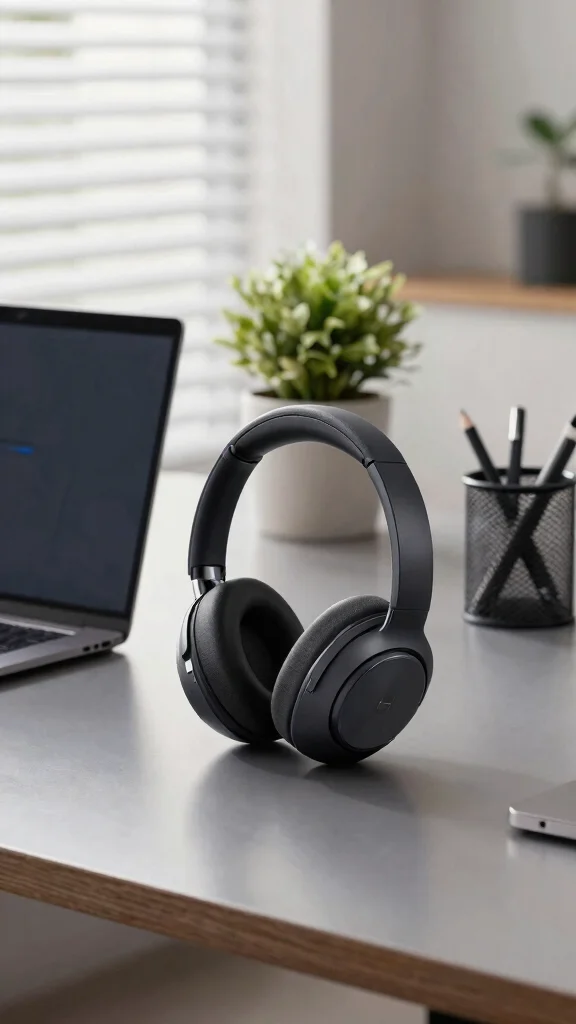
The Microsoft Surface Headphones 2 blend functionality with style, making them an ideal choice for professionals. They offer excellent sound quality and intuitive controls, providing an immersive experience during calls. The adjustable noise cancellation feature allows you to tailor your audio environment to your needs.
With their comfortable fit and chic design, these headphones can be worn for hours without discomfort. They seamlessly integrate with Microsoft Teams, enhancing productivity in your home office.
Consider these standout features:
– Use touch controls for convenient adjustments.
– Enjoy long battery life with up to 20 hours of use.
– Match with stylish office furniture for a cohesive look.
– Incorporate plants or greenery to enhance ambiance.
The Microsoft Surface Headphones 2 are more than just a headset; they represent an investment in both sound quality and aesthetic appeal, elevating your work-from-home experience.
Fun fact: high-quality noise-canceling headsets can reduce ambient noise by up to 90%, making calls feel crystal clear. The Microsoft Surface Headphones 2 let you adjust noise cancellation on the fly, perfect for the best work from home headset. Comfort and chic design keep you productive all day.
Microsoft Surface Headphones 2
Editor’s Choice

Zone Wireless 2 Premium Noise Canceling Headset with Hybrid ANC, Certifi…

Poly Voyager 4320 UC Wireless Headset & Charge Stand – Noise-Canceling W…

Evolve 65 TE (Third Edition) Wireless Headphones – Noise-Canceling Mic, …

WH-1000XM5 Premium Noise Canceling Headphones, Auto NC Optimizer, 30-Hou…

WH-1000XM4 Wireless Premium Noise Canceling Overhead Headphones with Mic…
Conclusion
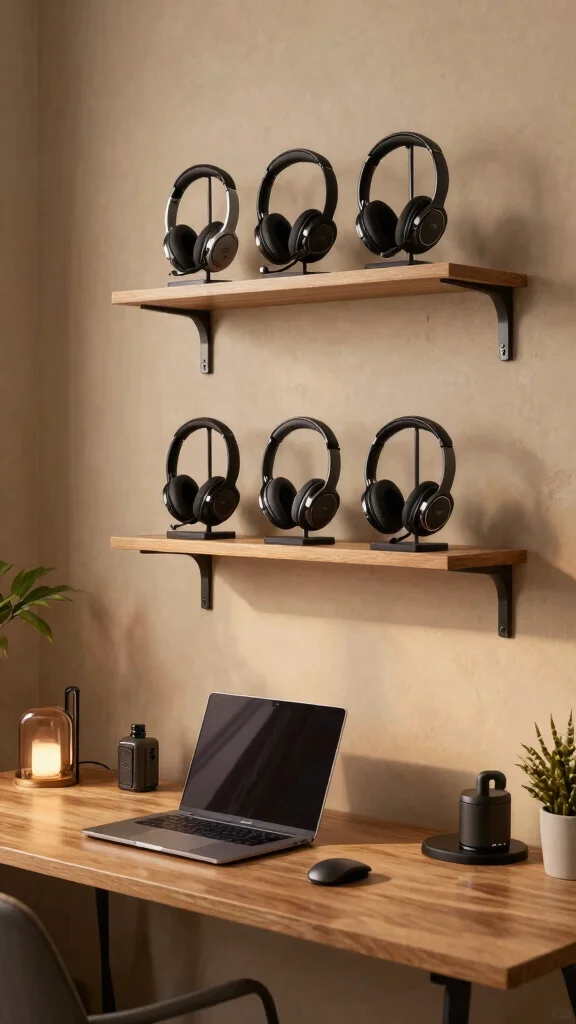
Choosing the right headset can dramatically enhance your work-from-home experience. Whether you prioritize sound quality, comfort, or aesthetic appeal, the options listed here are sure to meet your needs.
With the integration of ergonomic design and stylish decor, these headsets not only boost productivity but also elevate your home office aesthetic.
So, which headset will you choose to transform your remote working environment into one that’s both efficient and visually pleasing?
Note: We aim to provide accurate product links, but some may occasionally expire or become unavailable. If this happens, please search directly on Amazon for the product or a suitable alternative.
This post contains Amazon affiliate links, meaning we may earn a small commission if you purchase through our links, at no extra cost to you.
Frequently Asked Questions
What Are the Essential Features of the Best Work-From-Home Headset?
To be the best work from home headset, prioritize comfort with an adjustable headband, plush ear cushions, and a lightweight build so you can wear it all day. Pair that with a clear, flexible microphone and strong noise-canceling capabilities to keep calls crisp. Make sure it works with your devices (USB-C/USB-A or Bluetooth) and has handy controls for mute and volume. For home office essentials, check a compact footprint and a durable design that fits your ergonomic setup. This combination helps you stay productive during remote work accessories and daily calls.
How Can I Choose a Headset That Fits My Home Office Decor and Provides Ergonomic Comfort?
Choose a headset that blends with your home office decor while delivering long-lasting comfort. Look for a lightweight, balanced design with an adjustable headband and memory-foam ear cushions, so it sits softly during calls. Consider cable management and a small, unobtrusive mic boom to keep your desk tidy as part of home office essentials. When style meets comfort, you get ergonomic audio equipment that looks great and feels great on you.
Are Wireless Headsets Reliable for Calls, and Which Are Best for Remote Work?
Wireless headsets today can be incredibly reliable for calls, with low-latency Bluetooth and USB wireless receivers. Look for long battery life, quick-charge, and easy multipoint pairing so you can switch devices without dropping the call. For remote work accessories, prioritise models with noise-canceling headsets and comfortable headphones that stay comfortable through back-to-back meetings. If you need absolute reliability for critical calls, a wired backup can be handy, but many wireless options now rival wired performance. Pro tip: check reviews for real-world latency and compatibility with your OS and collaboration apps.
What Budget Should I Set for the Best Work-From-Home Headset, and How Do I Balance Price and Features?
Budget ranges vary: entry-level under $50, mid-range $50–$150, and premium $150+. Start with your must-have features (clear mic, comfort, noise cancellation) and pick a tier that covers them without paying for extras you won’t use. For home office essentials, you can often get excellent comfort and solid mic quality in the mid-range, while premium models offer premium materials and advanced app customization. Always check compatibility, warranty, and user reviews before buying.
How Can I Use My Headset to Improve Call Quality and Reduce Fatigue During Long Remote Meetings?
Position the microphone about 1–2 inches from your mouth and slightly off-center to avoid pops. Enable noise cancellation and adjust EQ presets if available. Keep the headset at a comfortable volume and ensure it doesn’t pick up keyboard or desk noise. Create a quiet workflow by using a dedicated mic setting, and take short breaks to stretch. Good headset ergonomics plus a tidy desk reduces fatigue during long remote meetings.
Related Topics
best work from home headset
remote work accessories
comfortable headphones
noise-canceling headsets
ergonomic audio equipment
home office essentials
productivity tools
audio quality
telecommuting gear
office decor
workspace comfort
tech gadgets