

Are you struggling to stay productive while working from home? Many find it challenging to balance work tasks with home distractions, leading to wasted time and frustration. The good news is that you can regain control of your workday by using a technique called time-blocking. This method helps you structure your day into dedicated time slots for specific tasks, ensuring you remain focused and efficient.
In this guide, you will learn how to effectively time-block your work-from-home day. By the end of this article, you will have a personalized time-blocking schedule that fits your unique work style and responsibilities. You’ll discover practical tips to get started, how to prioritize your tasks, and ways to avoid common pitfalls.
This guide is designed for beginners and will take approximately 2-3 hours to complete. Are you ready to boost your productivity and create a more structured work-from-home experience? Let’s dive in!
TL;DR Summary
- Learn to structure your work-from-home day with time-blocking.
- Create a personalized schedule to boost productivity.
- Discover common mistakes to avoid while time-blocking.
- Implement effective strategies to maintain focus and balance.
TL;DR Summary
Editor’s Choice

24 Hour Daily Planner with To Do List for Work & Personal Life,105 Days …


Rotating Pomodoro Timer 5, 25, 10 50 Minutes Preset, Desk Productivity F…
Prerequisites/Materials Needed
- Planner or digital calendar: (1) – Paper planner or an app like Google Calendar.
- Notebook: (1) – For jotting down tasks and notes.
- Timer: (1) – A smartphone or kitchen timer to keep track of blocks.
- Quiet workspace: (1) – A distraction-free area to enhance focus.
Prerequisites/Materials Needed
Editor’s Choice

Skylight Calendar: 15-inch Wall Planner Digital Calendar & Chore Chart, …
24 Hour Daily Planner with To Do List for Work & Personal Life,105 Days …
Rotating Pomodoro Timer 5, 25, 10 50 Minutes Preset, Desk Productivity F…
Skill Level & Time Estimate
Skill Level: beginner
Total time estimate: 2-3 hours
Skill Level & Time Estimate
Editor’s Choice

60 Minute Visual Timer for Kids, Silent Countdown Clock, Time Management…
24 Hour Daily Planner with To Do List for Work & Personal Life,105 Days …

GuassLee Wall Calendar 2026, 2026-2027 Calendar Wall from Jun. 2026 to M…
Step 1: Identify Your Tasks

Begin by listing all the tasks you need to accomplish during your work-from-home day. Break down larger projects into smaller, manageable tasks. Follow these sub-steps:
- Grab your notebook or open a document on your computer.
- Write down everything you need to do, including meetings, emails, and project work.
- Prioritize tasks by urgency and importance.
Pro Tip: Use a numbering system or color-coding to differentiate between high-priority and low-priority tasks. Warning: Don’t overwhelm yourself; keep your list realistic. This matters because it sets the foundation for your time-blocking schedule.
Time Estimate: 20-30 minutes
Step 1: Identify Your Tasks
Editor’s Choice

Marbrasse Mesh Pen Holder for Desk, Multi-Functional Pencil Organizer wi…

Ozobot Color Coding Markers, Color Variety for Creative STEM Education, …

CAGIE Bullet Dotted Journal Notebook 320 Pages 100 GSM Paper Hardcover A…
Step 2: Estimate Time for Each Task

Once you have your task list, estimate the time needed for each task. This helps you allocate appropriate time blocks later. Follow these sub-steps:
- Look at each task on your list and consider how long it will take.
- Write down your estimates next to each task.
- Be realistic; consider potential interruptions and breaks.
Pro Tip: If unsure about time estimates, add a buffer of 10-15 minutes for unexpected delays. Warning: Avoid underestimating tasks, as this leads to frustration and unfinished work. Estimating accurately is crucial for effective time-blocking.
Time Estimate: 20-30 minutes
Step 2: Estimate Time for Each Task
Editor’s Choice

Kitchen Timers for Cooking, Chef Cooking Timer Clock with Loud Alarm – 1…

Calendar Whiteboard for Wall, TANKEE 17×13 Inches Whiteboard Calendar Co…
24 Hour Daily Planner with To Do List for Work & Personal Life,105 Days …
Step 3: Create Your Time-Blocking Schedule
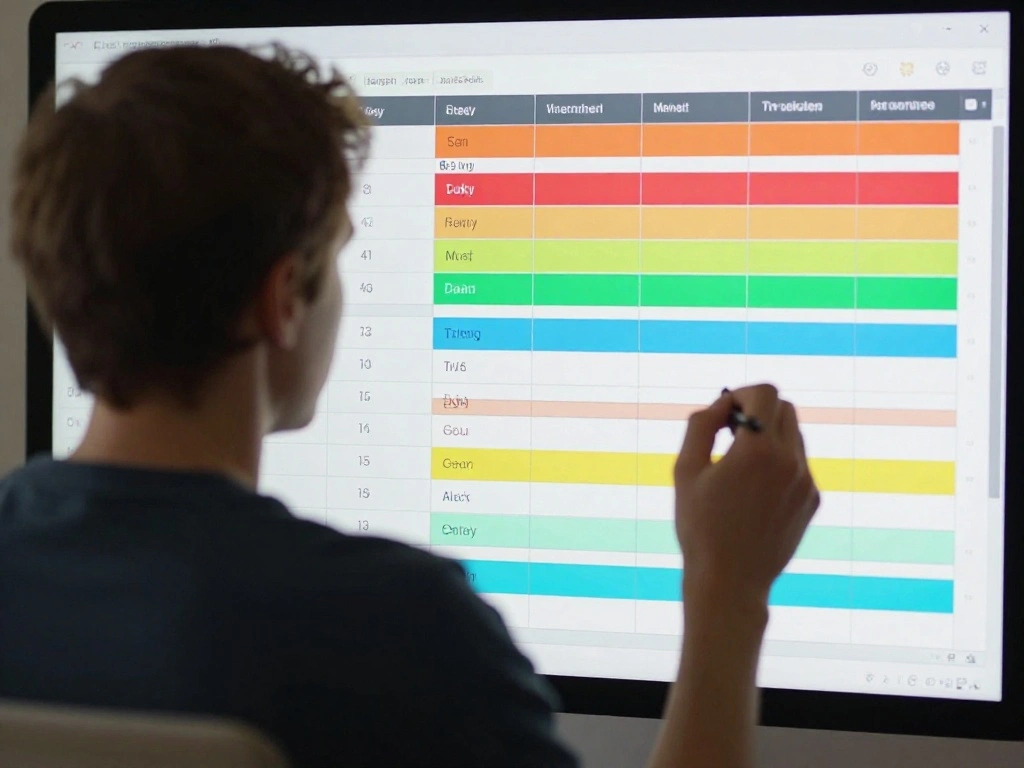
With your tasks and time estimates ready, it’s time to create your time-blocking schedule. Here’s how:
- Open your planner or digital calendar.
- Start blocking out time slots for each task based on your estimates.
- Include short breaks (5-10 minutes) between blocks for better focus.
Pro Tip: Color-code your blocks based on task type (e.g., meetings, focused work, breaks) for quick reference. Warning: Don’t forget to add buffer time between blocks; this matters to prevent feeling rushed.
Time Estimate: 30-45 minutes
Step 4: Set Up Reminders
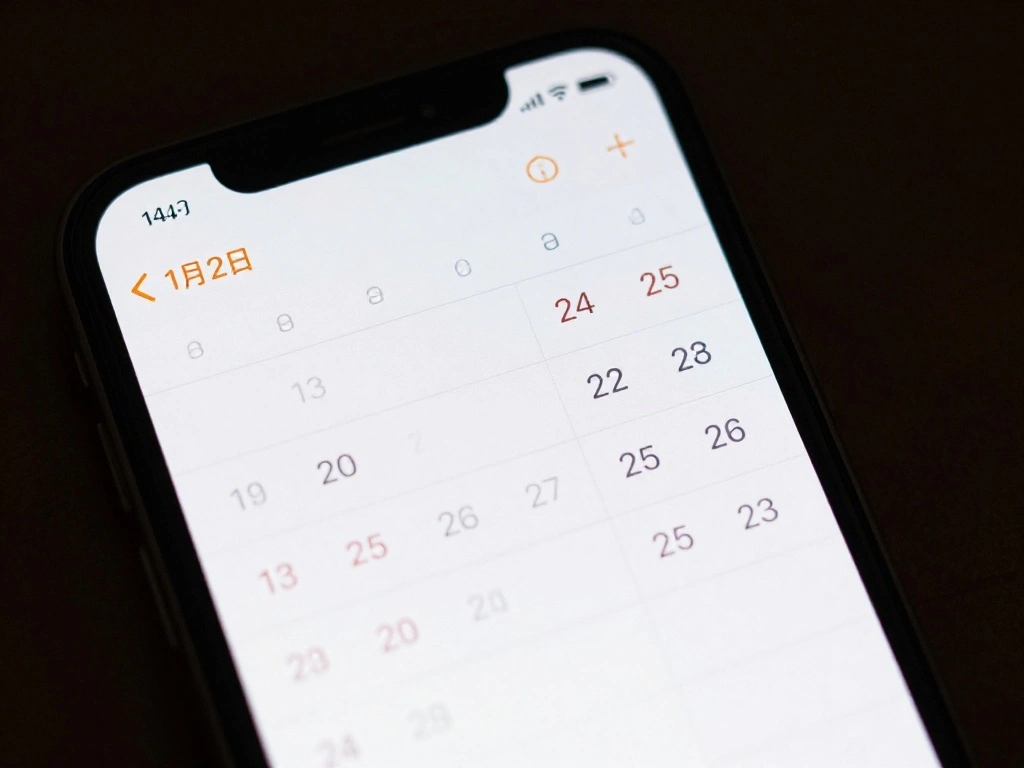
To stay on track, set reminders for each time block. This ensures you transition smoothly from one task to another. Follow these steps:
- In your digital calendar, set reminders for each time block.
- Choose a notification method (pop-up, email, etc.) that works for you.
- Consider setting reminders 5 minutes before each block starts.
Pro Tip: Use different alert tones for different types of tasks to help you mentally prepare for each transition. Warning: Don’t skip setting reminders, as they help maintain focus and adhere to your schedule.
Time Estimate: 10-15 minutes
Step 4: Set Up Reminders
Editor’s Choice

Digital Calendar 10.1 Inch Wall Planner Touch Screen WiFi Smart Electron…

Cozyla Calendar Plus 2: 24″ Smart Digital Calendar Wall Touch Screen & N…
Step 5: Prepare Your Workspace

Your workspace can significantly affect your productivity. Here’s how to prepare it for a successful work-from-home day:
- Clear clutter from your desk to create a focused environment.
- Ensure all necessary tools (computer, notepad, pens) are within reach.
- Adjust lighting to reduce strain and enhance comfort.
Pro Tip: Personalize your workspace with items that inspire you, like plants or motivational quotes. Warning: Avoid distractions; keep personal devices (like phones) out of reach unless needed.
Time Estimate: 15-20 minutes
Step 5: Prepare Your Workspace
Editor’s Choice

Planter’s Choice Bonsai Tree Starter Kit – Birthday Gifts for Women, Men…

WALI Desk File Organizer, 4 Tier Desktop Paper Letter Tray Organizer wit…

Airlonv LED Desk Lamp for Office Home, Eye-Caring Desk Light with Steple…
Step 6: Begin Your Day with a Review

Start your workday by reviewing your time-blocking schedule. This sets a positive tone and helps you mentally prepare. Here’s what to do:
- Spend a few minutes looking over your schedule and task list.
- Visualize how your day will progress according to your blocks.
- Make any last-minute adjustments if needed.
Pro Tip: Keep a morning routine that includes a brief meditation or stretching to enhance focus. Warning: Don’t start your day without this review; it’s crucial for maintaining motivation and clarity.
Time Estimate: 10-15 minutes
Step 6: Begin Your Day with a Review
Editor’s Choice

OPNICE Desk Organizer and Accessories, 2-Tier Computer Monitor Stand Ris…
Step 7: Stick to Your Schedule

Now that your day is planned, it’s critical to stick to your schedule as closely as possible. Follow these tips:
- When a task begins, focus solely on it until the time block ends.
- Limit distractions by closing unrelated tabs or putting your phone on silent.
- If you finish a task early, use the extra time to review or plan ahead.
Pro Tip: Use the Pomodoro Technique (25 minutes of work followed by a 5-minute break) to enhance focus. Warning: Avoid multitasking; it reduces efficiency and quality of work.
Time Estimate: Ongoing throughout the day
Step 7: Stick to Your Schedule
Editor’s Choice

Bose QuietComfort Headphones – Wireless Bluetooth Headphones, Active Ove…
Step 8: Reflect and Adjust

At the end of your workday, take time to reflect on your productivity and make necessary adjustments for the future. Here’s how:
- Review what tasks you accomplished and which ones you didn’t.
- Note any challenges you faced and how you can improve.
- Adjust your time estimates and blocks based on today’s experience.
Pro Tip: Keep a journal to track your reflections and improvements. Warning: Don’t skip this step; consistent reflection is essential for long-term success.
Time Estimate: 15-20 minutes
Step 8: Reflect and Adjust
Editor’s Choice

Weekly Hourly Planner Dry Erase Magnetic Whiteboard-Daily Weekly Weekl…

BestSelf 13-Week Self Journal & Goal Planner – Undated Daily ADHD-Frie…
Step 9: Celebrate Your Accomplishments

Finally, take a moment to celebrate what you achieved today. This reinforces positive habits. Here’s what to do:
- Reflect on your successes, no matter how small.
- Share your accomplishments with a colleague or friend.
- Treat yourself to something enjoyable, like a favorite snack or a short break.
Pro Tip: Create a reward system for completing significant tasks or blocks. Warning: Avoid neglecting this step; celebrating increases motivation and satisfaction.
Time Estimate: 10-15 minutes
Step 9: Celebrate Your Accomplishments
Editor’s Choice

CRAVEBOX Gourmet Specialty Snacks Box Gift – Father’s Day Care Package C…

Magnetic Reward Jar, Behavior Reward Jar Classroom for Teacher Kids, Bac…
Pro Tips
- Tip 1: Break larger tasks into smaller chunks to avoid overwhelm.
- Tip 2: Use apps like Trello or Asana to keep track of tasks visually.
- Tip 3: Experiment with different time increments for blocks to find what works best for you.
- Tip 4: Incorporate time for self-care and breaks to recharge.
- Tip 5: Join online communities for accountability and support.
Pro Tips
Editor’s Choice
Rotating Pomodoro Timer 5, 25, 10 50 Minutes Preset, Desk Productivity F…

The Advanced Productivity Planner – Undated Daily, Weekly & Monthly Pl…
Common Mistakes to Avoid
Warning: Avoid the following mistakes to ensure effective time-blocking:
- Underestimating task times: This leads to a rushed feeling. Always add buffer time.
- Ignoring breaks: Skipping breaks can lead to burnout. Schedule them in!
- Not reviewing your schedule: This can cause you to stray from your planned tasks. Always review!
Common Mistakes to Avoid
Editor’s Choice
Rotating Pomodoro Timer 5, 25, 10 50 Minutes Preset, Desk Productivity F…
Troubleshooting Section
Problem: I feel overwhelmed by my task list.
Solution: Break tasks down further and prioritize. Focus only on what’s urgent.
Problem: I can’t stick to my schedule.
Solution: Set reminders and minimize distractions. Review your schedule regularly.
Problem: I finish tasks too quickly and feel unproductive.
Solution: Add extra tasks or use this time for planning or learning.
Problem: I lose track of time.
Solution: Use a timer or app to alert you when it’s time to transition.
Troubleshooting Section
Editor’s Choice
Rotating Pomodoro Timer 5, 25, 10 50 Minutes Preset, Desk Productivity F…
24 Hour Daily Planner with To Do List for Work & Personal Life,105 Days …

Soundcore by Anker Q20i Hybrid Active Noise Cancelling Headphones, Wirel…
Variations/Alternative Methods
Consider these alternatives to time-blocking:
- Task batching: Group similar tasks together to streamline your workflow.
- Time blocking with flexibility: Allow for adjustments throughout the day if unexpected tasks arise.
- Themed days: Dedicate specific days to different types of work (e.g., meetings on Mondays, focused work on Tuesdays).
Variations/Alternative Methods
Editor’s Choice

HQCME 12 Pads to Do List Sticky Notes, 504 Sheets, 3×4 Inch with Line Ad…
FAQs
- What if I don’t have enough time for all my tasks? Adjust your priorities and focus on high-impact tasks first.
- How long should I time-block for? Start with 25-60 minute blocks and adjust based on your focus level.
- Is it safe to work without breaks? No, breaks are essential for maintaining productivity and preventing burnout.
- What if I’m interrupted during a block? Take note of the interruption and adjust your schedule as necessary.
- Can I use time-blocking for personal tasks? Absolutely! Time-blocking works well for both work and personal tasks.
Conclusion

Congratulations! You’ve taken the first step towards a more productive work-from-home experience through time-blocking. By implementing this strategy, you can manage your time better, reduce distractions, and accomplish more each day. Now that you have the tools and techniques, continue refining your schedule and adjust as necessary.
As you move forward, consider exploring additional productivity resources or joining communities that can support your journey. Remember, the key to success is consistency and reflection. You’ve got this!