
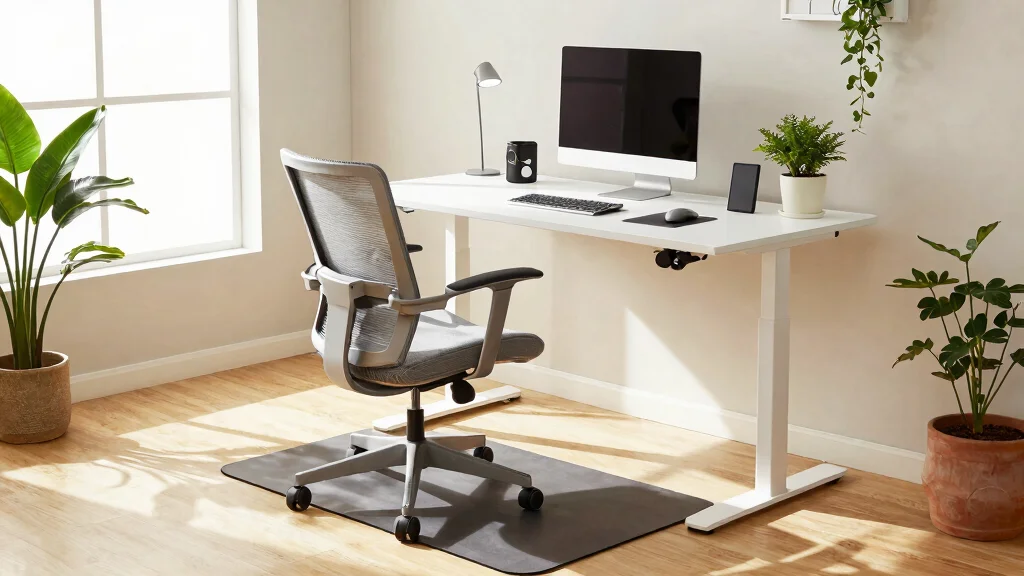
Standing all day can be exhausting. Whether you’re working from home or in a bustling office, the fatigue that comes from being on your feet for hours can take a toll on your body and mind. That’s why I created this guide—to help you discover effective anti-fatigue arrangement ideas that can enhance your workspace. With the right setup, you can turn your home office into a more comfortable and productive environment.
If you’re someone who spends a significant part of your day standing, this guide is tailored just for you. You’ll find valuable tips that not only improve comfort but also promote productivity. From choosing the right anti-fatigue mats to arranging your workspace ergonomically, these ideas will help alleviate discomfort and keep you energized throughout the day.
In this blog post, you’ll get to explore ten anti-fatigue arrangement ideas designed specifically for people who stand all day. These strategies are practical, easy to implement, and can transform your workspace into a haven of comfort and efficiency. You’ll learn how to personalize your space, optimize posture, and incorporate essential accessories that make a genuine difference in your daily routine.
Key Takeaways
– Invest in a Quality Anti-Fatigue Mat: A good mat provides cushioning and support, reducing stress on your feet and legs.
– Use a Sit-Stand Converter: This tool allows you to easily switch between sitting and standing, giving your body a break from prolonged standing.
– Add an Ergonomic Footrest: A footrest can help improve posture by allowing you to shift your weight and relieve strain on your lower back.
– Incorporate Natural Light: Position your workspace near a window to benefit from natural light, which can uplift your mood and enhance focus.
– Stay Hydrated and Take Breaks: Remember to drink water regularly and take short breaks to relax your body and recharge your mind throughout the day.
1. Invest in a Quality Anti-Fatigue Mat
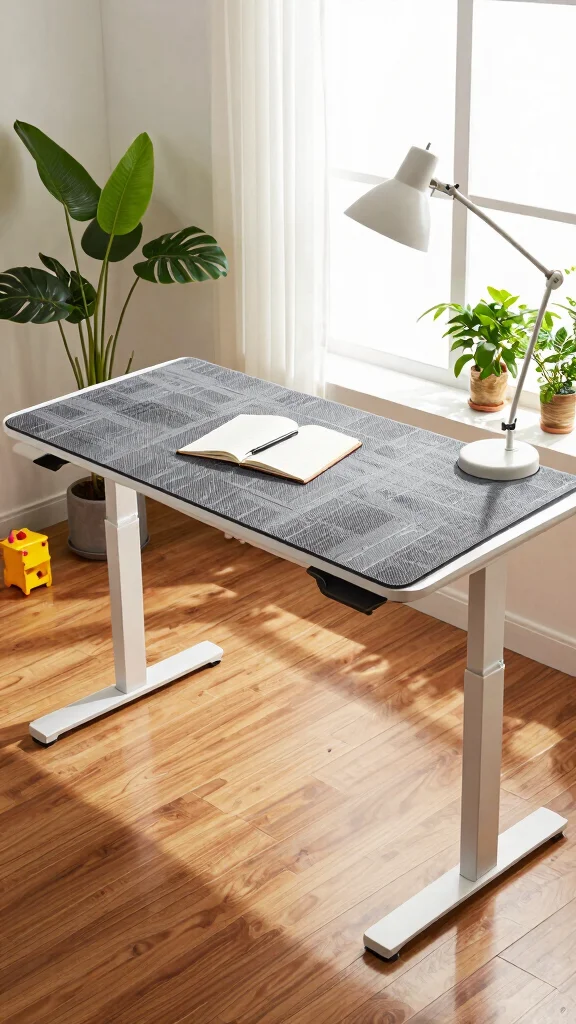
Anti-fatigue mats are essential for anyone spending long hours on their feet. They provide cushioning that alleviates pressure in the feet, legs, and lower back, promoting overall comfort. Look for mats that are at least 3/4 of an inch thick, crafted from durable materials, and featuring a non-slip surface. Choosing one with a design that matches your home office style can add both function and flair to your workspace.
To maximize the benefits of an anti-fatigue mat, position it strategically in front of your standing desk. Ensure the mat is large enough to allow for movement without stepping off. Regular cleaning will help maintain its appearance and hygiene.
Consider these tips:
– Place your mat in high-traffic areas for maximum impact.
– Choose mats in colors that harmonize with your decor.
– Look for mats with textures that promote circulation.
Investing in a quality anti-fatigue mat enhances not only your comfort but also the visual appeal of your workspace.
Invest in a Quality Anti-Fatigue Mat
Editor’s Choice

The Standing Desk Mat – Topo by Ergodriven | Premium Not-Flat Anti-Fatig…


FEATOL Anti Fatigue Mat for Standing, 9/10 Extra Thick Ergonomic Standin…

2 x 5 FT Anti Fatigue Mats Industrial 15/16 Inch Thick Soft Sponge Ergon…

ComfiLife Anti Fatigue Floor Mat – 3/4 Inch Thick Kitchen Mats for Floor…

Amazon Basics 3/4″ Rectangular Durable Anti-Fatigue Supportive Comfort S…
2. Use a Sit-Stand Converter
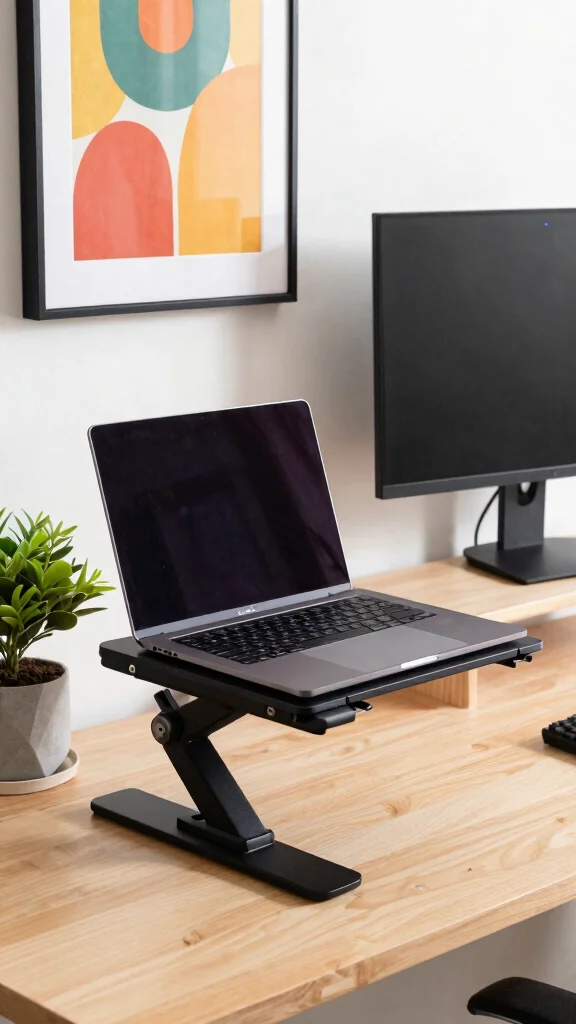
If a full standing desk isn’t in your plans, a sit-stand desk converter is a fantastic alternative. This tool allows you to transform your existing desk into a versatile workstation, enabling you to alternate between sitting and standing. Look for converters that adjust smoothly and offer enough space for your computer and accessories.
Benefits include customizable height options for your comfort and the freedom to change positions, which can boost your productivity and energy.
Here are some advantages:
– Adjust height to suit your preferred standing position.
– Easily switch between sitting and standing throughout the day.
– Enhance focus and energy with frequent posture changes.
By adding a sit-stand converter, you create a dynamic home office that encourages movement and keeps your workspace fresh.
Use a Sit-Stand Converter
Editor’s Choice

Vari VariDesk Pro Plus 36 – Adjustable Desk Converter with 11 Height Set…

VIVO 32 inch Desk Converter, K Series, Height Adjustable Sit to Stand Ri…

FLEXISPOT Standing Desk Converter 36″ Desk Riser, Height Adjustable Desk…

FITUEYES Height Adjustable Standing Desk 32” Wide Sit to Stand Converter…

38″ Wide Standing Desk Converter – Sit-to-Stand Workstation for Dual Mon…
📹 Related Video: Top 5 Standing Desk Converters in 2026👌
3. Add an Ergonomic Footrest
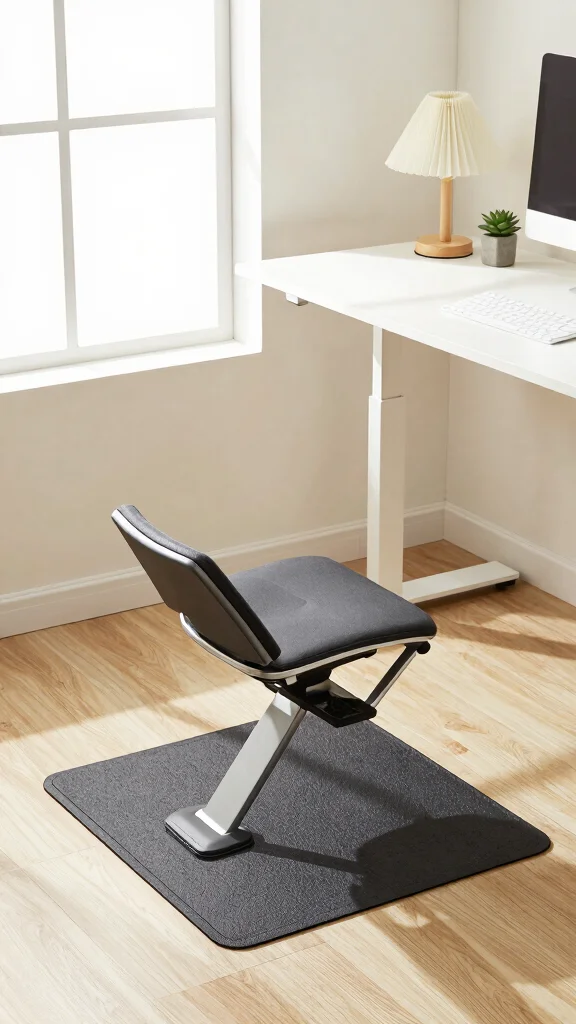
A footrest is often an underrated element in a standing setup. This accessory allows you to shift your weight and elevate your feet, enhancing your posture while working. When selecting a footrest, choose one with a non-slip surface and cushioning for additional comfort. Some models even allow gentle rocking to improve circulation.
To effectively incorporate a footrest, position it where your feet can rest comfortably, promoting even weight distribution. Regularly change foot positions to combat fatigue, and pair it with an anti-fatigue mat for the ultimate comfort.
Consider these tips:
– Position it so that your feet are elevated and relaxed.
– Switch feet regularly to keep from tiring.
– Combine it with your mat for a supportive setup.
Adding an ergonomic footrest is a simple yet impactful way to support your body while standing at your desk.
🏡 Personalize Your Space Today!
Transform your home office into a stylish and ergonomic haven with creative decorating ideas that inspire productivity.
4. Efficient Cable Management
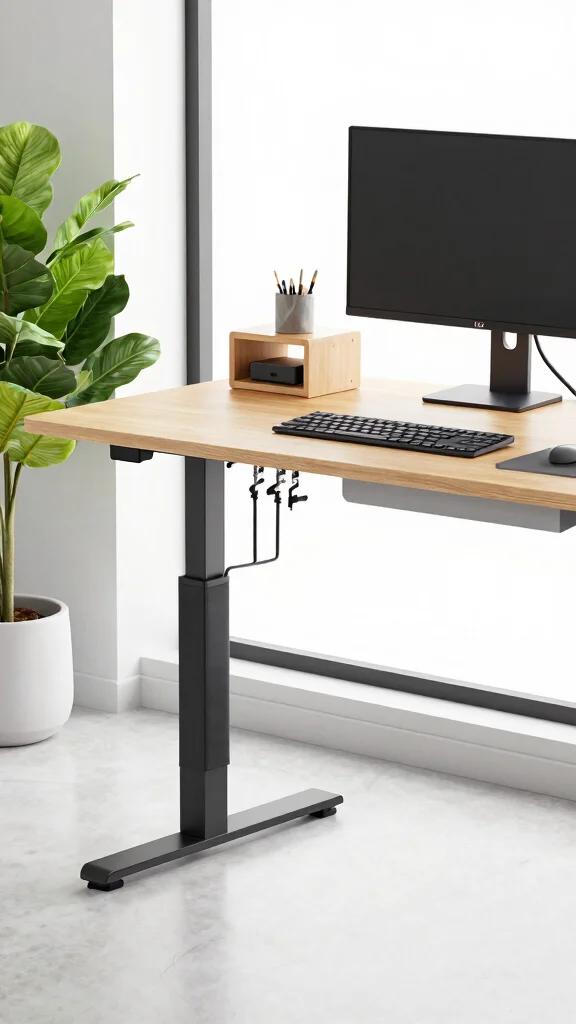
A messy workspace can be distracting, especially when standing for long periods. Implementing cable management strategies helps maintain a tidy and organized home office. Use trays, clips, or sleeves to control cords, enhancing your workspace’s appearance and reducing tripping hazards.
Organized cables not only make your space look better but also help you focus on your tasks without the distraction of tangled wires.
Here are some practical tips:
– Label cords for easy identification and organization.
– Use color-coded ties for quick differentiation.
– Regularly check and untangle cords as needed.
A clean and organized workspace lets you concentrate on your work without the chaos of clutter.
Fun fact: neat cables boost focus by about 30% during long standing sessions. A quick cable management setup with trays and clips keeps you in your anti fatigue desk setup mode and reduces tripping hazards—no more tangled wires slowing you down.
Efficient Cable Management
Editor’s Choice

Cable Management, 25.3” Under Desk Cable Management Tray No Drill, Meta…

Cable Management, 25” Cable Management Under Desk No Drill, Metal Cord …

Syeeiex Under Desk Cable Management Tray, 34″ Total Length (17″×2 Set), …

No-Screw Under Desk Cable Management Tray – Self-Adhesive Installation, …

Delamu 2 Pack Metal Under Desk Cable Management Tray, U Channel Cord Org…
5. Personalize with Decor
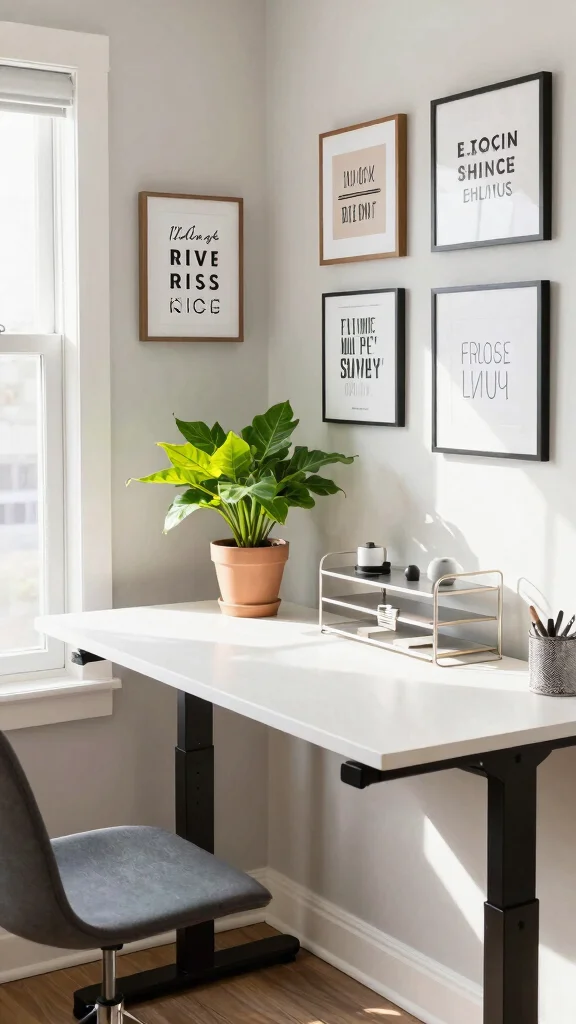
Personalizing your workspace with decor boosts your mood and enhances productivity. Decor adds character to your environment, making it uniquely yours. Choose items that inspire you, such as framed photos, artwork, or motivational quotes. Incorporating plants can breathe life into your workspace while improving air quality.
To effectively personalize your space, keep decorations minimal to avoid clutter and select a cohesive color palette that complements existing decor. Invest in key pieces that resonate with you.
Consider these tips:
– Select a few impactful decor items to maintain focus.
– Choose a color palette that matches your office style.
– Incorporate meaningful artwork that inspires you.
A personalized workspace fosters a connection to your environment, ultimately enhancing your productivity.
Personalize with Decor
Editor’s Choice

Howwii Inspirational Wall Art Office Decor The Man in the Arena Motivati…

KUVIOKE Inspirational Framed Wall Art Motivational Quotes Wall Decor Enc…

Inspirational Wall Art Decor for Office, Wooden Rustic Hanging Motivatio…

Inspirational Wall Art, Framed Motivational Canvas Wall Art Positive Quo…

Costa Farms Live Indoor House Plants (3-Pack), Hand Selected Easy to Mai…
6. Incorporate Natural Light
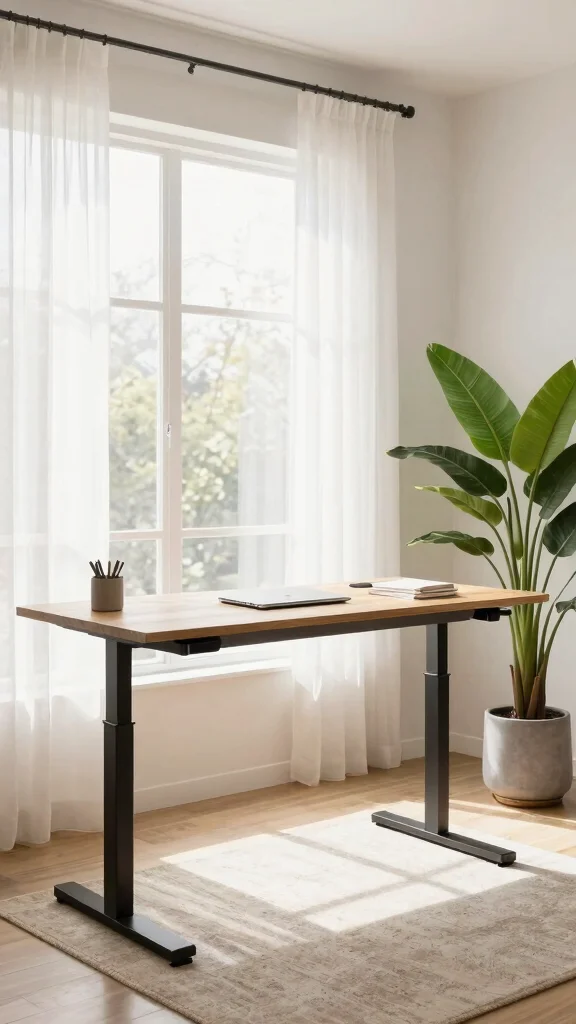
Natural light is vital for creating an uplifting atmosphere in your home office. Exposure to daylight boosts energy and mood, making it essential for your workspace design. Position your desk near a window to harness natural light fully, and if necessary, use sheer curtains to filter intense sunlight.
Maximizing natural light helps create an inviting environment that can enhance your focus and overall well-being.
Consider these strategies:
– Use mirrors to reflect light deeper into the space.
– Keep windows clean and free of obstructions.
– Opt for light-colored decor to amplify brightness.
By prioritizing natural light, you cultivate a refreshing workspace that uplifts your spirits throughout the day.
7. Invest in Quality Standing Desk Accessories
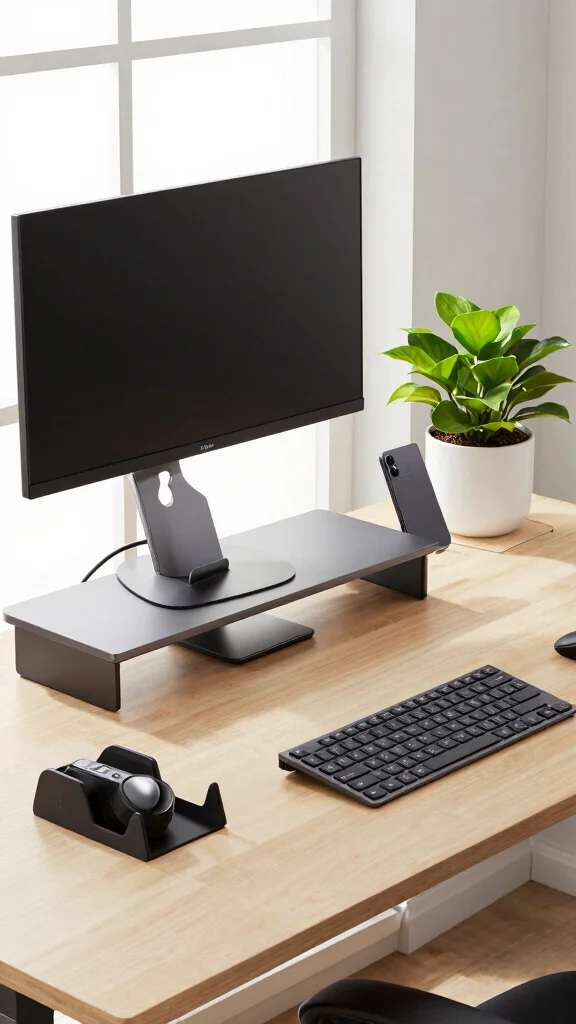
Enhancing your standing desk experience involves more than just the desk itself. Investing in quality standing desk accessories can significantly improve comfort and functionality. Consider accessories like a monitor stand for eye-level viewing, a wireless keyboard for easier typing, or a tablet arm for added flexibility. These items not only enhance ergonomics but also keep your workspace organized.
Must-have accessories can make a world of difference in your daily routine.
Here are some essentials:
– Utilize monitor arms for adjustable viewing angles.
– Incorporate cable management solutions to avoid clutter.
– Use document holders to keep papers at eye level.
Quality accessories can elevate your standing desk into a fully functional workspace that supports your needs.
Small upgrades compound big comfort. Invest in a monitor stand, a wireless keyboard, and a tablet arm to elevate your anti fatigue desk setup—ergonomics at eye level mean less neck strain and more focused work, all while keeping your space organized.
8. Create a Cozy Atmosphere
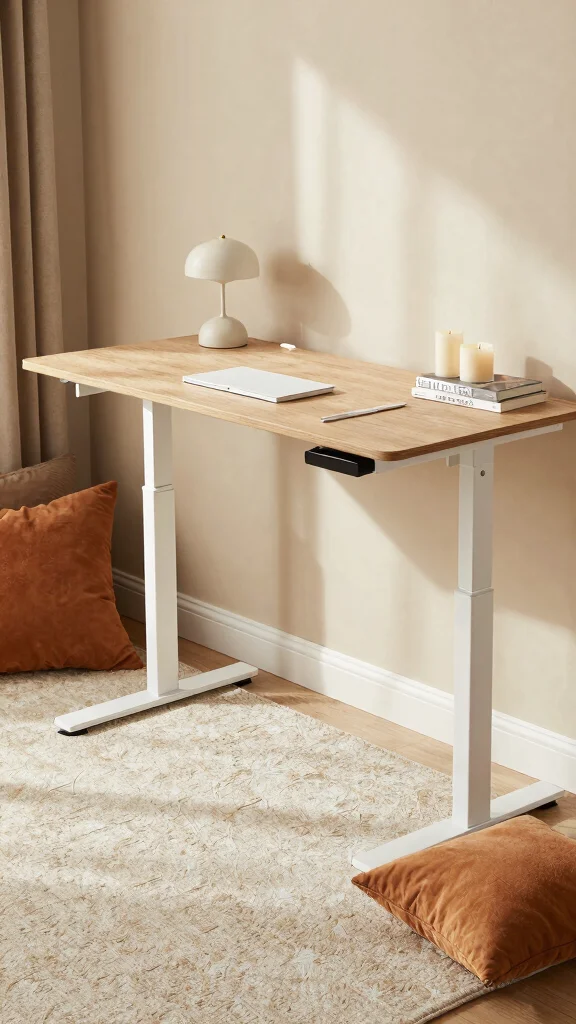
Comfort is crucial in designing an anti-fatigue desk setup, and a cozy atmosphere plays a significant role. Consider elements that make your workspace inviting, such as soft textures, warm colors, and soothing decor. Adding throw pillows or a cozy blanket can enhance your breaks, making them more enjoyable.
To create a warm atmosphere, use rugs to add softness underfoot and incorporate tactile elements like cushions. Opt for lighting that is warm and welcoming to elevate your space.
Here are some ideas:
– Use rugs to create a warm, inviting floor.
– Add soft cushions or throws for comfort.
– Choose warm light fixtures to enhance coziness.
A cozy workspace enriches your overall experience while working from home, allowing you to feel more at ease and focused.
Create a Cozy Atmosphere
Editor’s Choice

Snuggle Sac Buttery Ivory Throw Blanket for Couch, Reversible Super Soft…

Bedsure Sherpa Throw Blanket for Couch – Super Soft, Comfort Cozy Fleece…

Bedsure GentleSoft Fluffy Fuzzy Faux Fur Throw Blanket for Couch, Soft S…

LED Desk Lamp with Clamp, Architect Desk Lamp with Remote, Flexible Swin…

Honeywell Led Desk Lamp with Clamp – HJ4 Sunturalux™, Flexible Dual‑Head…
9. Optimize Your Posture
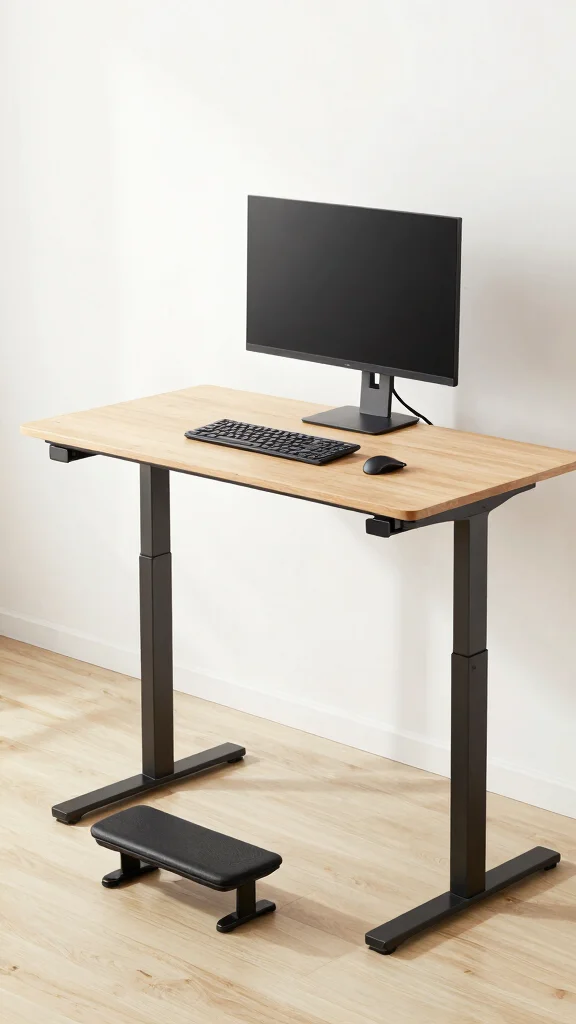
While standing can relieve some fatigue, maintaining proper posture is essential for comfort. Poor posture can lead to strain and discomfort during long work hours. Focus on your alignment: keep your shoulders back, hips aligned under your shoulders, and your knees slightly bent. Ensure your screen is at eye level to avoid leaning.
To improve posture effectively, adjust your screen height to eye level and keep your feet flat on the ground or on a footrest. Taking regular breaks to stretch can also reset your posture.
Here are some posture tips:
– Adjust your screen height for optimal viewing.
– Keep your feet grounded for stability.
– Incorporate stretching breaks to relieve tension.
By prioritizing proper posture, you enhance both comfort and productivity at your standing desk.
Small tweaks to your anti fatigue desk setup can save hours of discomfort. Keep your feet flat, knees slightly bent, and the screen at eye level for true, easy posture. Relief while you stand is just a few mindful adjustments away.
How To Choose The Right Anti-Fatigue Mat
Choosing the right anti-fatigue mat can make a significant difference if you spend long hours standing. It can help ease discomfort and boost your productivity. Here are key factors to consider when selecting the perfect mat for your needs:
1. Size Matters
Choose a mat that fits your workspace. Measure the area where you stand most often. A larger mat allows you to move around comfortably without stepping off the mat. If you have a sit-stand desk, consider a mat that accommodates both sitting and standing positions.
2. Material Quality
Anti-fatigue mats come in various materials, such as vinyl, rubber, and foam. Look for durable materials that provide good cushioning and support. Rubber provides great stability, while foam mats are often softer and more cushioned. Make sure the material is easy to clean, especially if you work in a messy environment.
3. Thickness and Density
The thickness of the mat affects its comfort level. Generally, thicker mats (around 3/4 inch) provide more cushioning. However, if they are too soft, they may cause instability. Look for a mat with a balance of thickness and density for optimal support while standing.
4. Surface Texture
Consider the surface texture of the mat. A textured surface can provide better grip and prevent slipping, especially if you wear shoes. Smooth surfaces are easier to clean but might not provide as much traction. Think about your specific needs, like whether you work in a wet area or a dry office.
5. Anti-Slip Features
The safety of your anti-fatigue mat is crucial. Look for mats with anti-slip backing to prevent movement on the floor. This feature will help keep the mat in place, reducing the risk of falls. It’s especially important if you’re in a high-traffic area or if your mat will be used on a slippery surface.
6. Budget Considerations
Anti-fatigue mats come in a range of prices. Set a budget before shopping. While you may find cheaper options, investing in a higher-quality mat can save you money in the long run by providing better support and lasting longer. Compare different brands and read reviews to find the best value for your needs.
Pro Tip: Look for mats with warranties! A good warranty can indicate a manufacturer’s confidence in their product and provide peace of mind in case of defects or wear over time.
By considering these factors, you can choose the right anti-fatigue mat that fits your needs and enhances your comfort while working. Comfort is key to maintaining productivity, especially if you stand for extended periods.
10. Stay Hydrated and Take Breaks
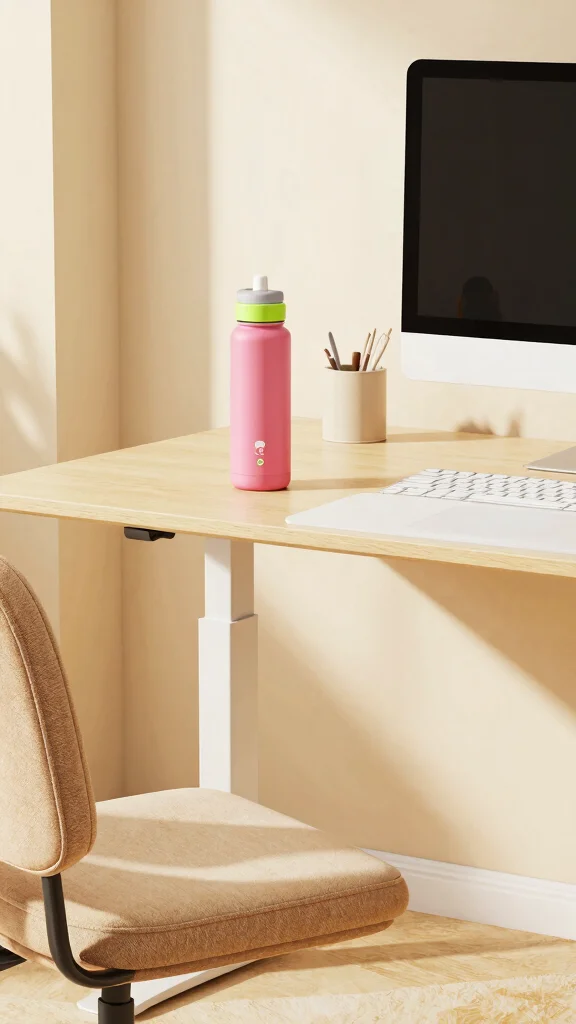
Finally, don’t underestimate the importance of hydration and regular breaks. Standing for extended periods can lead to fatigue, and staying hydrated is crucial for maintaining energy. Keep a stylish water bottle on your desk to remind you to drink frequently and set timers to encourage hourly breaks—walk, stretch, or simply sit for a moment.
Incorporating breaks offers various benefits that refresh both body and mind.
Here are some reasons to prioritize breaks:
– Reduces strain from prolonged standing.
– Increases focus and overall productivity.
– Helps rejuvenate your mind and spirit.
By focusing on hydration and breaks, you ensure a healthier, more productive standing desk routine.
Conclusion
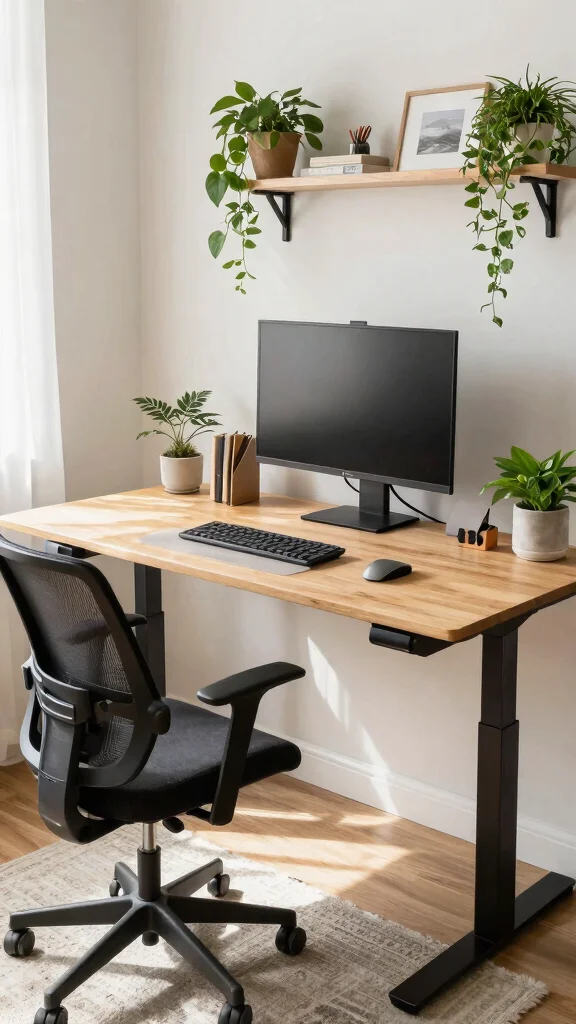
Creating an anti-fatigue desk setup is all about balancing comfort, efficiency, and style.
By incorporating some of these ideas, you can design a workspace that not only supports your well-being but also enhances your productivity.
Remember, a well-designed home office is more than just a desk—it’s a sanctuary where you can thrive while working from home!
Note: We aim to provide accurate product links, but some may occasionally expire or become unavailable. If this happens, please search directly on Amazon for the product or a suitable alternative.
This post contains Amazon affiliate links, meaning we may earn a small commission if you purchase through our links, at no extra cost to you.
Frequently Asked Questions
Question: What is the most practical anti-fatigue desk setup for people who stand all day?
Start with a solid anti fatigue desk setup: choose a high-density anti-fatigue mat and a height-adjustable desk so your spine stays neutral. Keep your monitor at eye level and your keyboard within easy reach to avoid bending or reaching. Alternate between standing and short sits when possible, and schedule micro-breaks every 30 minutes to stretch or walk. Add simple standing desk accessories like a monitor arm, a keyboard tray, and a footrest to encourage subtle shifts in stance. With these steps, you’ll boost home office comfort and follow ergonomic workspace tips that support productivity-enhancing decor in your space.
Question: Which standing desk accessories really make a difference in comfort during long shifts?
Looking for the perfect standing desk accessories? Start with an anti-fatigue mat, a monitor arm to keep eyes level, a compact footrest to vary stance, and a keyboard tray or adjustable keyboard height. A small under-desk step or balance board can also boost micro-movements. These standing desk accessories help you stay comfortable and focused, supporting ergonomic workspace tips and home office comfort, while nudging productivity higher through productivity-enhancing decor.
Question: How do I choose an anti-fatigue mat that works in a home office setup?
Choosing an anti-fatigue mat for your home office doesn’t have to be hard. Look for at least 1/2 to 3/4 inch thickness and high-density material for lasting support, a non-slip base, beveled edges to prevent trips, and a size that fits your standing zone. Check cleaning ease and durability for daily use. Pair it with your anti fatigue desk setup to maximize comfort and home office comfort day after day.
Question: What small changes can boost ergonomic comfort and productivity without breaking the bank?
You don’t need a full remodel to upgrade comfort. Start with an adjustable monitor height or a budget-friendly stand, a sturdy anti-fatigue mat, a simple footrest or balance stool for short sits, and a good light source to reduce eye strain. Keep cables tidy and create a clear standing-to-sitting cadence (for example, 30 minutes standing, 5 minutes walking or stretching). These moves improve ergonomic workspace tips, home office comfort, and productivity-enhancing decor without breaking the bank.
Question: How can decor and layout influence focus and fatigue in a standing desk environment?
Decor and layout matter almost as much as the gear you use. Create a clear standing zone with your anti-fatigue mat and a monitor at comfortable height, and designate a seating zone with a supportive chair for breaks. Keep frequently used items within easy reach to avoid reaching. Add productivity-enhancing decor like plant life, warm lighting, and clutter-free surfaces to support home office comfort and reduce fatigue. Finish with thoughtful cable management and glare-reducing lighting to keep focus sharp.
Related Topics
anti-fatigue desk setup
ergonomic workspace tips
standing desk accessories
home office comfort
productivity-enhancing decor
remote work essentials
easy decor updates
comfortable standing solutions
workspace organization
health-focused design
DIY ergonomic solutions
minimalist home office