
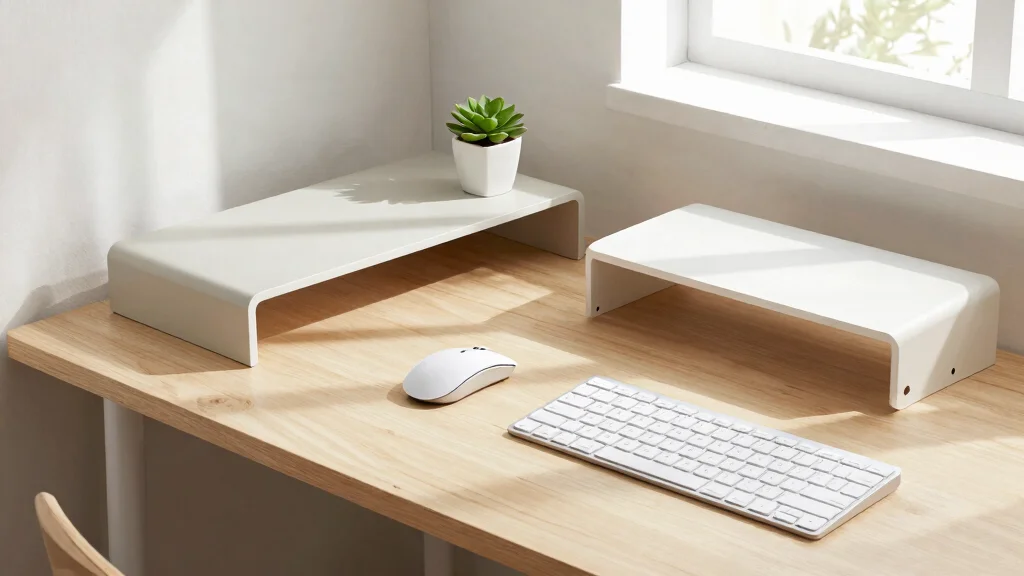
Upgrading your workspace doesn’t have to break the bank. With the rise of remote work and the need for comfortable, functional home offices, many of us are searching for ways to make our desks more efficient and enjoyable. That’s why I created this post: to help you find those essential budget desk tech upgrades that won’t drain your wallet but will transform your desk into a stylish and organized oasis.
If you care about creating a more productive and aesthetically pleasing workspace, this guide is for you. Whether you’re a student, a remote worker, or someone who simply loves a tidy desk, you’ll benefit from these thoughtful upgrades. I’ve pulled together five affordable desk gadgets that are practical, stylish, and designed to make your work life easier.
By the end of this post, you’ll discover how simple items like a smart desk organizer or an ergonomic mouse can enhance your daily routine. You’ll be ready to tackle your tasks with renewed energy and comfort, all while keeping your budget intact. Let’s dive into the world of budget-friendly tech that makes a big difference without the hefty price tag.
Key Takeaways
– Smart Desk Organizer: Invest in a desk organizer that combines style and functionality. It helps keep your workspace tidy and ensures you can find your essentials quickly.
– Ergonomic Mouse and Keyboard: Choose ergonomic accessories to promote better posture and reduce strain during long work hours. This upgrade can significantly enhance your comfort.
– Wireless Charging Pad: Simplify your charging routine with a wireless charging pad. It declutters your desk and ensures your devices are always powered up and ready to go.
– Desk Lamp with Smart Features: A smart desk lamp can provide adjustable lighting that caters to your needs, helping you focus better and reducing eye strain.
– Cable Management Solutions: Use cable management tools to declutter cords and create a clean look. This not only improves aesthetics but also prevents tangling and confusion.
1. Smart Desk Organizer
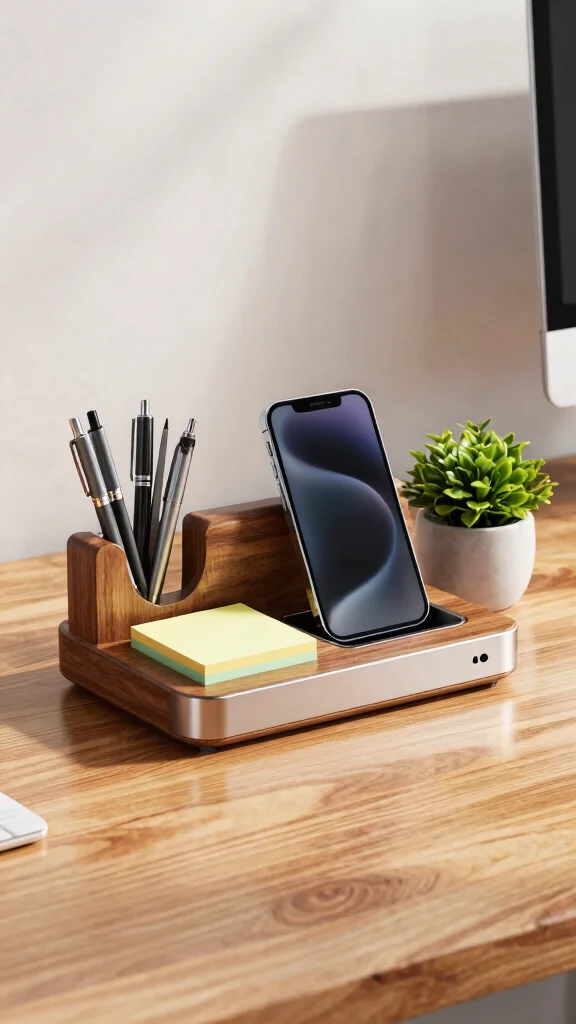
The right desk organizer can transform your workspace into a haven of efficiency and style. A smart desk organizer not only keeps your pens and paperclips in check but also integrates tech features that can charge your devices and remind you of important tasks. This seamless blend of functionality and design creates a visually pleasing environment that enhances productivity. Look for options crafted from sustainable materials like bamboo or recycled plastics to add an eco-friendly touch to your setup.
To make the most of your smart desk organizer, consider these practical tips: look for ones with multiple compartments to keep items sorted and easily accessible. You might find affordable versions at local stores or online marketplaces, ensuring you don’t break the bank while enhancing your workspace.
Consider these features for an optimal experience:
– Pair USB charging ports with your organizer for convenience.
– Incorporate calendar integration to manage tasks effortlessly.
– Use a stylish design that complements your existing decor.
By investing in a smart desk organizer, you not only streamline your daily routine but also elevate the aesthetic of your workspace, making it a place where you truly want to be.
Did you know a smart desk organizer can cut cable clutter by up to 40% on a budget desk setup and charge three devices at once? Add eco-friendly bamboo pieces, and your workspace becomes both efficient and serene.
Smart Desk Organizer
Editor’s Choice

Fast Wireless Charging Station with Desk Organizer for iPhone 17/16/15/1…


Pezin & Hulin Bamboo Charging Station for Multiple Devices with 5 Port U…

Pezin & Hulin Bamboo Charging Station for Multiple Devices with 5 Port U…

Bostitch Office Konnect Desk Organizer and Charging Station, 2 USB Ports…

Desktop Glass Whiteboard with Storage, Weekly Calendar Desk Dry Erase Wh…
2. Ergonomic Mouse and Keyboard

If you spend long hours at your desk, upgrading to an ergonomic mouse and keyboard can be a game changer for your comfort and overall health. These tools are designed to support your wrists and encourage proper alignment, reducing discomfort and potential strain. Many budget-friendly options exist, so you can prioritize your well-being without overspending. The right ergonomic setup enhances your productivity and keeps you feeling good while you work.
For the best results, choose ergonomic accessories that fit your typing style and workspace. You’ll find vibrant colors and sleek designs that retain a minimalist aesthetic while offering maximum comfort.
Consider these benefits when selecting your ergonomic tools:
– Use improved comfort to say goodbye to wrist pain.
– Enhance productivity by making it easier to focus.
– Pair with stylish designs to maintain a modern look.
Choosing ergonomic options not only supports your physical health but also contributes to a more enjoyable working environment, ultimately boosting your performance.
Did you know that using an ergonomic mouse and keyboard can cut wrist strain by up to 40% in just a few weeks? For budget desk tech, these small upgrades pay off in comfort and productivity.
Ergonomic Mouse and Keyboard
Editor’s Choice

Logitech Lift Vertical Ergonomic Mouse, Wireless, Bluetooth or Logi Bolt…

Logitech Ergo K860 Wireless Ergonomic Keyboard – Split Keyboard, Wrist R…

Logitech Wave Keys MK670 Combo, Wireless Ergonomic Keyboard with Signatu…

SABLUTE Ergonomic Wireless Keyboard and Mouse Combo, Rechargeable 4000mA…

Perixx PERIBOARD-512B Wired Ergonomic Keyboard – Split Keyboard, Wrist R…
3. Wireless Charging Pad
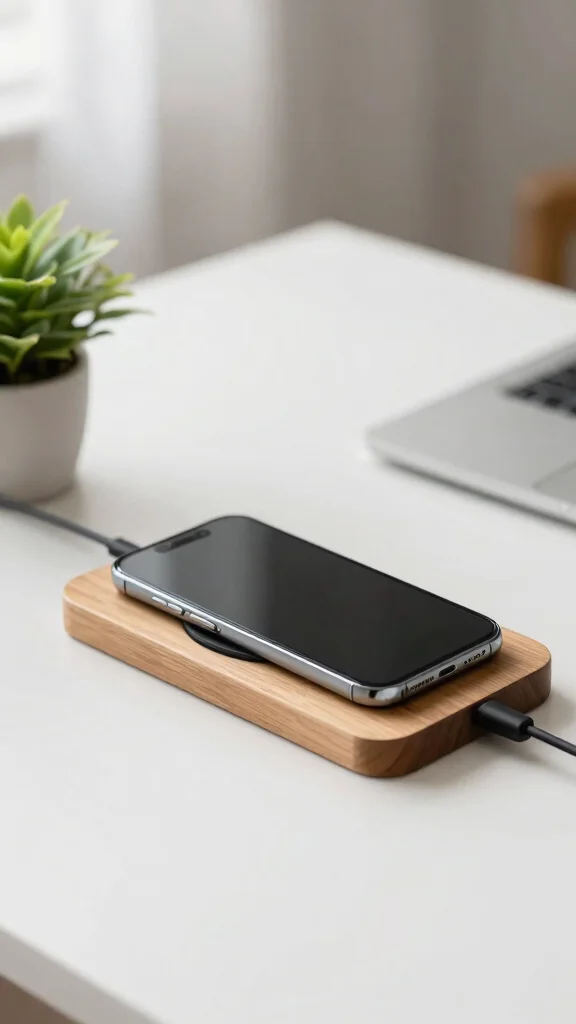
Simplifying your workspace is essential for maintaining a clean and stylish environment, and a wireless charging pad is a chic solution to reduce cord clutter. This practical desk tech allows you to charge your devices without the hassle of tangled wires, creating an organized look. Available in various materials like sleek wood or soft fabric, a wireless charging pad can blend beautifully with your decor.
When selecting a charging pad, consider models with fast charging capabilities to minimize downtime. Many affordable options offer both style and function, making it easy to stay connected without sacrificing aesthetics.
Explore these advantages of a wireless charging pad:
– Eliminate cord clutter for a clean workspace.
– Incorporate versatile designs that suit your personal style.
– Use fast charging to quickly regain power.
Incorporating a wireless charging station elevates your desk’s sophistication while promoting a more efficient and enjoyable workspace.
Fun fact: a wireless charging pad can cut desk cable clutter by up to 60%. In budget desk tech, choose fast-charging models to power devices in minutes, not hours, while you enjoy a cleaner, more stylish workspace.
Wireless Charging Pad
Editor’s Choice

UGREEN Wireless Charger, Qi2.2 Qi2 Certified 25W Fast MagSafe-Compatible…

Amazon Basics Wireless Charger, 15W Qi Certified Wireless Charging Pad w…

Belkin Wireless Charging Pad 15W – Qi Charger, Charging Station for Appl…

Mophie Universal Wireless Charge Pad – 15W Fast Charging for Qi-Enabled …

15W Wooden Wireless Charger | Stylish Design Qi Wireless Charger Station…
4. Desk Lamp with Smart Features
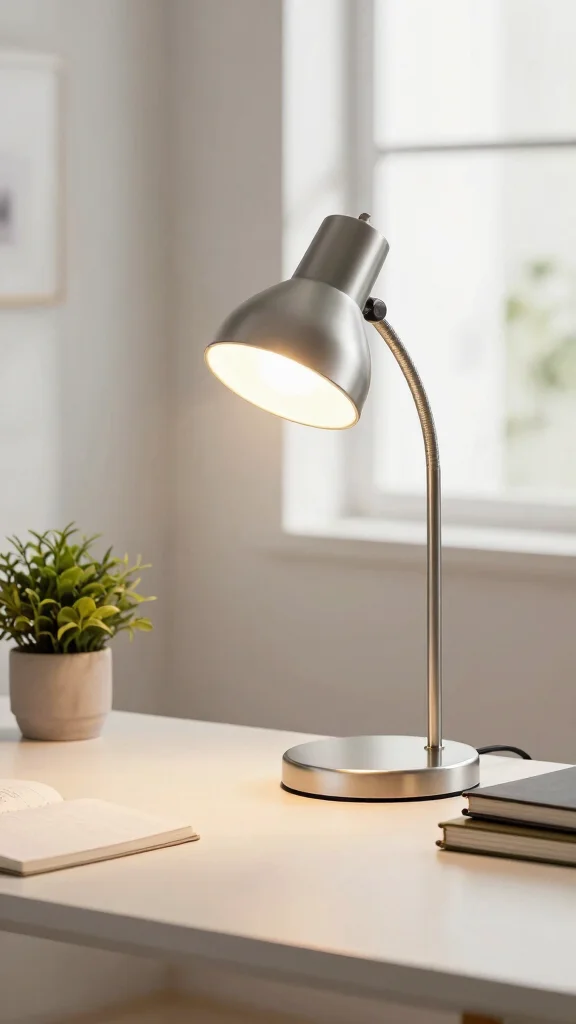
The right lighting can significantly enhance your workspace, making a stylish desk lamp with smart features a worthy investment. Look for lamps that offer adjustable brightness and color temperatures to create the perfect ambiance, whether you’re tackling tasks during the day or working late into the night. A well-lit space contributes to focus and comfort, helping you stay productive.
When shopping for a smart desk lamp, prioritize models with built-in USB ports for added convenience. Many options are designed to seamlessly integrate with your workspace while providing practical functionality.
Keep these features in mind:
– Adjust brightness levels based on your needs.
– Switch color temperatures for different activities.
– Incorporate USB ports for easy device charging.
By selecting a desk lamp that combines style and function, you’ll enhance the overall atmosphere of your workspace while ensuring you have the right lighting for every task.
Desk Lamp with Smart Features
Editor’s Choice

meross Smart Table Lamp, Bedside Lamp, Compatible with Apple HomeKit, Si…

VOCOlinc Desk Lamp, LED Eye-Caring Desk Light for Home Office, Compatibl…

Govee RGBIC Smart Table Lamp 2, Touch Bedside Small Table Lamp Compatibl…

Hifree Smart Table Lamp, Dimmable Desk Lamp with App/Voice Control, LED …

Govee Smart Cordless Table Lamp Classic (No Adapter), RGBIC Rechargeable…
📹 Related Video: Simple DIY tutorial on Smart table lamp using PIR Motion sensor and LDR interfacing with Arduino UNO
📝 Personalize Your Space Today!
Transform your desk area with creative ideas that reflect your unique style and make working from home more enjoyable.
Cost Breakdown & Budget Planning
Cost Breakdown by Category:
– Materials/Products: Expect to spend between $50 to $300 depending on the specific upgrades you choose. Basic options start around $50, while higher-end models can reach up to $300.
– Tools/Equipment: If you enjoy DIY, tools may cost around $20 to $100. This includes items like screwdrivers, pliers, or cable ties for setup.
– Labor/Professional Installation: If you opt for professional help, costs can range from $50 to $150, depending on the complexity of the installation.
– Optional Extras: Additional accessories, like decorative items or smart features, can add $20 to $100 to your total, depending on your taste and needs.
Budget Tier Breakdown:
Basic Economy Tier $
– What’s included: This includes a simple mouse and keyboard, a basic desk lamp, and a cable organizer. These items will keep your desk functional without breaking the bank.
– Good for: Ideal for students or anyone who needs a minimal setup for tasks like studying or occasional work.
– Limitations: You may miss out on ergonomic designs and smart features that enhance productivity and comfort. This tier lacks those stylish touches that can make your workspace more enjoyable.
Mid-Range Tier $$
– What’s included: This balanced option offers an ergonomic mouse and keyboard, a smart desk organizer, and a decent desk lamp with adjustable brightness.
– Good for: Perfect for remote workers and professionals who spend several hours at their desk. It combines functionality with a bit of style, helping you stay productive and organized.
– Best value for: Most people, as it strikes a good balance between quality and cost. You’ll get features that promote comfort and organization without overspending.
Premium Tier $$$
– What’s included: All the bells and whistles! This includes high-quality ergonomic accessories, a wireless charging pad, and premium smart desk features like voice control.
– Good for: Professionals seeking to create a sophisticated and comfortable workspace. This setup helps enhance focus and reduce fatigue from long hours at the desk.
– Worth it if: You work from home full-time or have specific ergonomic needs that require high-quality products. The investment pays off through improved comfort and productivity.
Money-Saving Tips:
– Shop Sales: Look for discounts during holiday sales or back-to-school promotions. You may find great deals on high-quality items.
– DIY Solutions: Consider making your own desk accessories. For example, use repurposed boxes for organizing or create your own cable management solutions.
– Buy Second-Hand: Check local marketplaces or online platforms for gently used items. Many people sell tech upgrades that are still in great condition at a fraction of the price.
– Prioritize Purchases: Start with the essentials and add more items gradually as your budget allows. This way, you won’t feel overwhelmed by spending all at once.
Where to Splurge:
– Ergonomic Accessories: Investing in an ergonomic chair or keyboard can drastically improve your comfort and health, especially if you spend long hours at your desk. These choices can help prevent strain and injury, making them worth the extra cost.
– Smart Desk Organizer: A stylish and functional organizer can streamline your workspace and add aesthetic appeal. This is especially beneficial if you value keeping a tidy and efficient setup.
Planning your upgrades with this budget guide makes it easier to create a comfortable and stylish workspace without breaking the bank. Whether you’re aiming for basic functionality or a premium experience, you can find a budget tier that suits your needs. Happy upgrading!
5. Cable Management Solutions
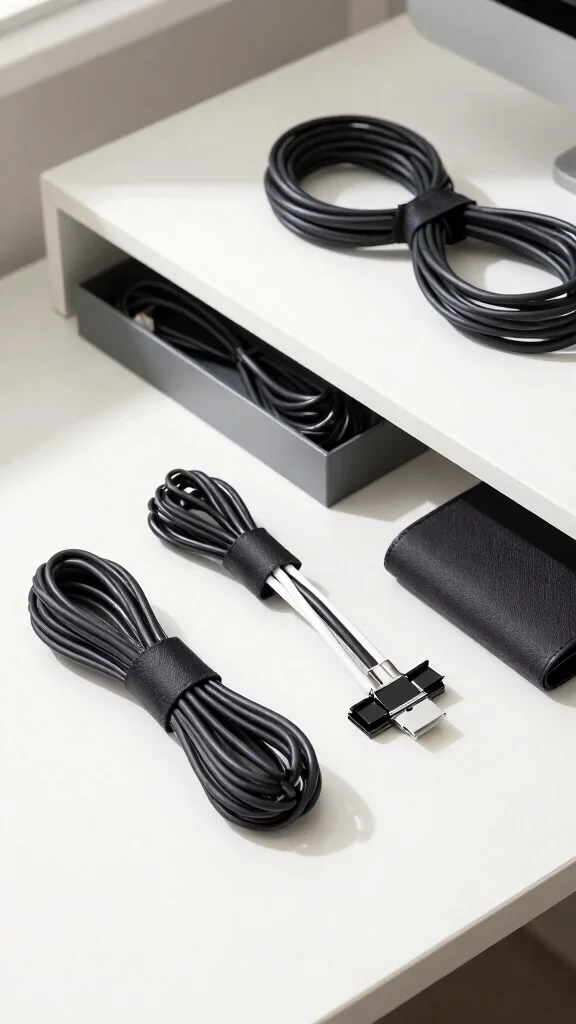
Effective cable management is vital for maintaining a tidy and organized desk, especially as you add new tech gadgets. Affordable solutions like clips, sleeves, and under-desk trays can make a world of difference in keeping cords in check. Not only do these tools prevent tangles, but they also elevate the visual appeal of your workspace, aligning with minimalist design principles.
When considering cable management, prioritize options that are easy to install and blend seamlessly with your decor. A little effort in organizing cables can significantly enhance your workspace’s functionality and aesthetics.
Explore these practical cable management tips:
– Use cable clips to keep cords aligned.
– Incorporate cable sleeves for a streamlined appearance.
– Install under-desk trays to hide unsightly cords.
Investing in cable management not only improves your desk’s functionality but also maintains a stylish and minimal aesthetic, which is essential for any workspace upgrade.
Cable Management Solutions
Editor’s Choice
![[Made in the UK] 10-Pack Adjustable Elastic Adhesive Cable Clips, Wire M...](https://m.media-amazon.com/images/I/81TCHM5vnyL._AC_UL640_QL65_.jpg)
[Made in the UK] 10-Pack Adjustable Elastic Adhesive Cable Clips, Wire M…

Hook and Loop Cable Sleeve by Wrap-It Storage – 120″ x 4.5″ Black – Cut …

Hook and Loop Cable Sleeve by Wrap-It Storage – 48″ x 4.5″ (2-Pack) Blac…

Univivi No Drill Under Desk Cable Management Tray, 36″ Cord Organizer fo…

No-Screw Under Desk Cable Management Tray – Self-Adhesive Installation, …
Conclusion
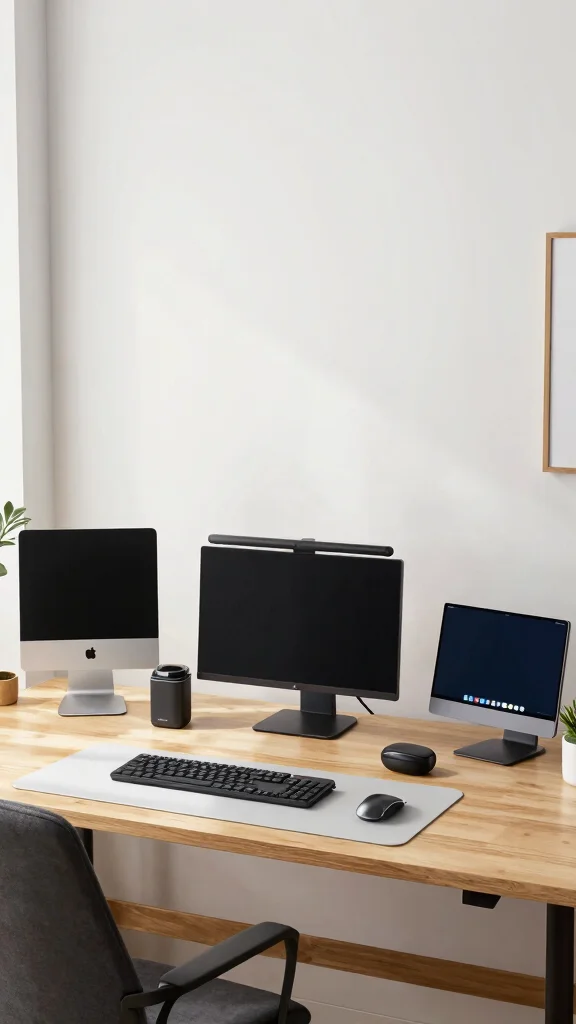
Upgrading your workspace doesn’t have to be complex or expensive! By investing in these five affordable desk tech upgrades, you can create a stylish and efficient environment that promotes productivity. From smart organizers to effective cable management solutions, these gadgets are both functional and visually appealing. Your desk can not only be a place for work but a sanctuary of creativity and comfort. Start transforming your space today!
Note: We aim to provide accurate product links, but some may occasionally expire or become unavailable. If this happens, please search directly on Amazon for the product or a suitable alternative.
This post contains Amazon affiliate links, meaning we may earn a small commission if you purchase through our links, at no extra cost to you.
Frequently Asked Questions
What are the best budget desk tech upgrades to start with?
Start with a few core pieces that deliver the biggest impact without breaking the bank. For budget desk tech upgrades, consider a monitor arm to place your screen at eye level, a wireless keyboard and mouse to cut clutter, and a simple USB-C hub to expand ports. Add a dimmable desk lamp to reduce eye strain, and use a cable management tray to keep cables tidy. Look for affordable desk gadgets on sale or from reputable second‑hand sources—many are like-new. With these budget-friendly tech upgrades, your workspace will feel more organized and comfortable without a big investment.
How can I achieve stylish desk organization on a budget without clutter?
To achieve stylish desk organization on a budget, focus on a cohesive, minimalist look. Start with a vertical monitor stand to free surface space, a slim tray for essentials, and a couple of matching organizers in a neutral color. Embrace minimalist workspace solutions like a single docking station and wireless charger to cut cords. Use cable sleeves or clips to hide wires, and set aside 10 minutes weekly to reset the setup. With a few thoughtful pieces, you’ll enjoy stylish desk organization that stays neat and affordable.
Which affordable desk gadgets deliver real ergonomic benefits?
Essentials that give real ergonomic benefits without blowing your budget include an adjustable monitor arm, an ergonomic keyboard and mouse with proper wrist support, an anti-fatigue mat for standing or alternating positions, and a simple footrest. If your desk allows, a height‑adjustable laptop stand can make typing more comfortable. Prioritize smooth movement, durability, and compatibility with your space. These ergonomic desk accessories add comfort so you can work longer without discomfort.
What budget-friendly tech upgrades have the biggest impact on productivity?
Biggest productivity wins with budget-friendly upgrades include improving posture with a monitor arm and proper desk height, speeding up workflows with a USB-C hub and wireless peripherals, and reducing interruptions with good lighting and noise control. Consider a smart desk light for glare control and a compact charging station to keep devices ready. When choosing, lean into budget-friendly tech upgrades that actually streamline daily tasks and support minimalist workspace solutions. These practical upgrades can transform how you work in minutes.
How can I upgrade my desk setup without sacrificing style and minimalism?
Upgrade your desk setup by focusing on a cohesive vibe and essential functionality. Choose a calm color palette and pick a few pieces that enhance stylish desk organization and minimalist workspace solutions. Invest in one or two affordable desk gadgets that genuinely boost daily work, such as a docking station or a slim monitor arm. Look for budget-friendly tech upgrades that are easy to install and maintain, and pair them with ergonomic desk accessories to protect your comfort. A tidy cable setup completes the look and keeps the space feeling calm and productive.
Related Topics
home decor
desk tech
budget desk tech
affordable gadgets
stylish organization
minimalist workspace
ergonomic accessories
budget-friendly upgrades
workspace essentials
tech upgrades
beginner friendly
smart accessories