
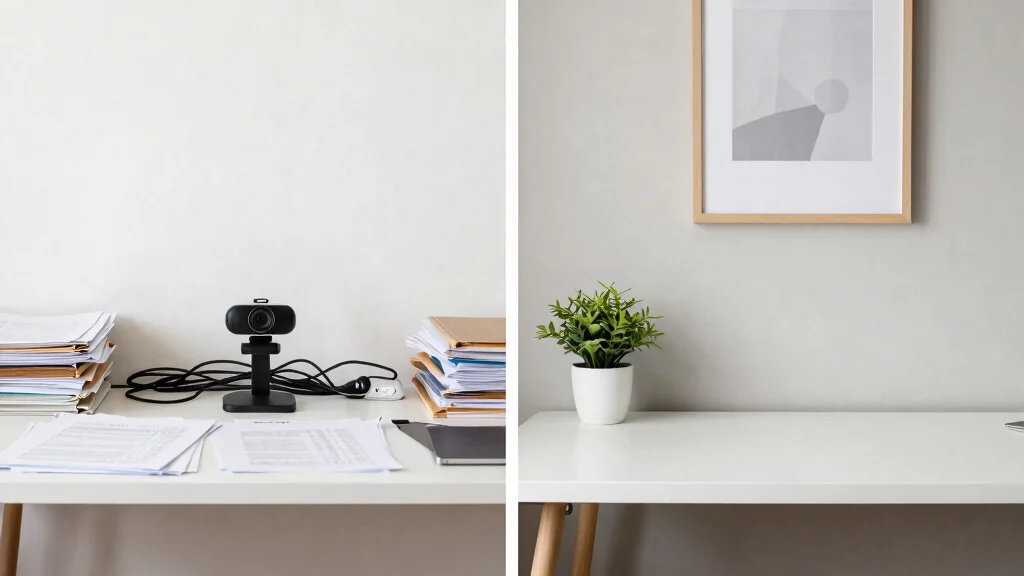
Video calls have become a daily part of our remote work lives. They connect us with colleagues, clients, and friends, but they can also leave a lasting impression—whether good or bad. I created this post to help you avoid common pitfalls that can undermine your professional image during these crucial interactions. With the rise of remote work, having a polished home office setup is more important than ever, and a few simple adjustments can make a big difference.
If you’re someone who wants to project a professional appearance during video conferences, this guide is for you. Whether you’re working from home or setting up an office space, looking your best on camera matters. Your potential clients and coworkers will notice everything from your attire to your background. In this post, I pulled together six tech mistakes that can make you look unprofessional on video calls. These tips are straightforward, practical, and designed to help you shine in your next virtual meeting.
By the end of this post, you’ll be equipped with essential video conferencing tips to enhance your remote work best practices. You’ll learn how to create a welcoming workspace, choose appropriate lighting, and uphold good video meeting etiquette. Let’s dive into those common tech mistakes and help you look your best on screen!
Key Takeaways
– Cluttered Workspaces: A tidy workspace minimizes distractions and presents a more professional image. Ensure your desk is organized and free of personal clutter before your call.
– Inadequate Lighting: Proper lighting is key for a clear video image. Use natural light when possible or invest in a ring light to brighten your face without harsh shadows.
– Distracting Backgrounds: Your background should be simple and professional. Consider using a virtual background or a plain wall to keep the focus on you.
– Unprofessional Attire: Dress as you would for an in-person meeting. Wearing professional clothes can enhance your confidence and make a great impression on others.
– Neglecting Good Video Meeting Etiquette: Be mindful of your camera angle, mute yourself when not speaking, and stay engaged. These small actions contribute to a positive video conferencing experience.
Recommended Products

Adjustable Color Temperature & Brightness: ACMEZING video conference light has 5 color temperature: Warm warm, Warm white, Natural white, Daylight, Cold white, adjustable range is 3200K to 6500K. Equipped with 64 10W brightness lamp beads and 5 level brightness adjustment. This webcam light can meet your different lighting need under various occasions to help you look your best.

New Adjustable Multifunctional Stand : 2025new upgraded ring light, using a new design concept. Perfectly circumvent the traditional clip-on ring light poor fixity and screen unfriendly problems. With a stretchable horizontal plate, 2-2.5 inches, it can perfectly match notebook & desktop computers and securely fix on straight or curved screens, and the main body of the stand adopts an adjustable design, 6.5-8.5inch, providing solutions for a wider range of usage scenarios
1. Cluttered Workspaces
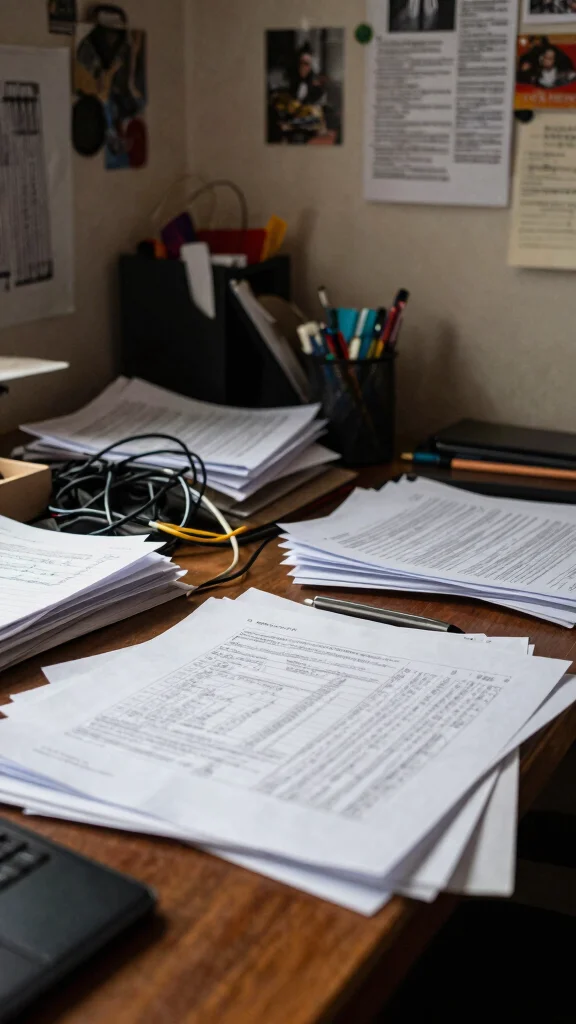
A well-organized workspace sets the tone for professionalism during video calls. When your background is cluttered with paperwork and disarray, it distracts viewers from your message and diminishes your presence. A neat setup conveys a sense of calm and focus, allowing you to shine during your discussions. Imagine a clean desk with just a few essential items, enhancing your image as a serious participant in any meeting.
To create a polished environment, consider these practical steps:
– Organize your desk: Keep only what you need in view.
– Use stylish storage: Incorporate decorative boxes or baskets for a tidy look.
– Choose calming colors: Select soft hues for your walls to minimize distractions.
By fostering a clean workspace, you not only appear more professional but also create a conducive atmosphere for productive conversations.
Fun fact: in the first 7 seconds of a video call, a cluttered workspace can boost perceived distractions by up to 30%. A neat desk with essentials keeps the focus on your message and shrugs off common video call mistakes.
Recommended Products

【Space Saving】: The compact design of this wood desk organizer maximizes vertical space while keeping all office supplies within reach, making your workspace more organized.

1.Plush Lined Eyeglasses Holder:I am also a nearsighted person, so we designed this glasses holder. it can keep you away from the trouble of searching for glasses every day. And of course it can save your beautiful and expensive sunglasses.

All-in-One Desk Organizer: WALI multi-tier rose gold desk organizer features 4 letter trays, a vertical file folder organizer, 2 metal pen holders and a sliding divided drawer, keeping your office supplies for desk tidy and maximizing desktop space, ideal for women and men as office desk accessories
Cluttered Workspaces
Editor’s Choice

OPNICE Desk Organizers and Accessories, Dual Monitor Stand Riser with Dr…


Simple Trending 7 Tier Desk File Organizer, Letter Tray Paper Organizer …

Marbrasse Desk Organizer with File Holder, 5-Tier Paper Letter Tray Orga…

Desk Organizers and Accessories, 5-Tier Paper Letter Tray Organizer with…
gianotter Desk Organizers and Accessories with File Holder, 4-Tier Desk …
2. Inadequate Lighting
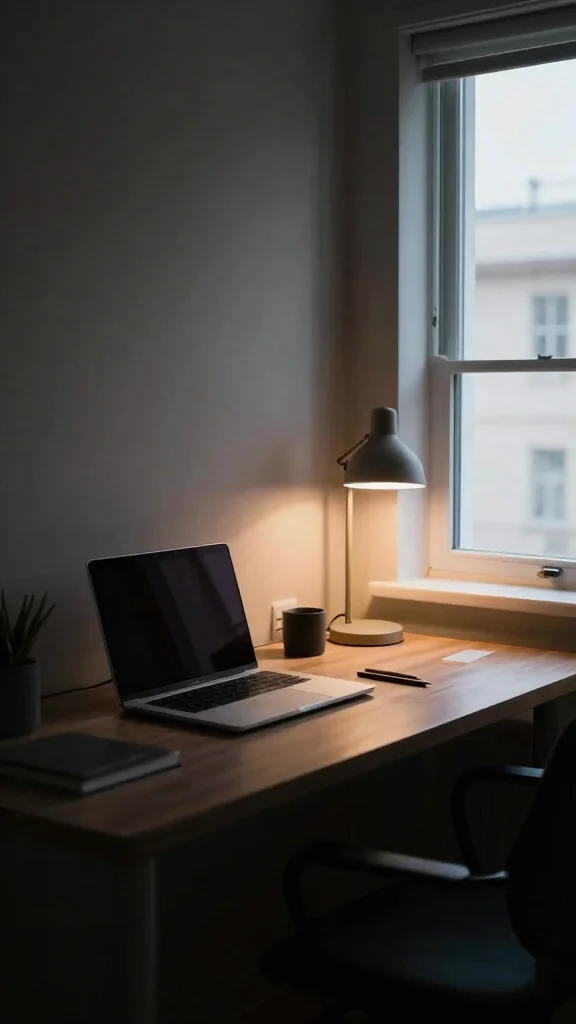
The right lighting can transform your video calls, making you appear vibrant and engaged. Dim or overly harsh lighting can obscure your features, making communication difficult. Natural light is a game-changer, yet many overlook how to position themselves to benefit from it effectively.
To optimize your lighting, take these tips into account:
– Position your light: Sit facing a window to maximize soft, natural light.
– Avoid harsh overheads: Use additional lamps for a balanced look.
– Invest in a ring light: This tool provides flattering illumination without shadows.
By improving your lighting setup, you enhance your visibility and approachability, making your interactions more engaging.
Fun fact: 70% of video call mistakes come from lighting, not what you say on screen. Position yourself facing a window, add a balanced lamp, and your tones will look vibrant.
Recommended Products

We are proud to present the spectacular Window Backdrop, measuring an impressive 7X5 feet (2.1X1.5 metres)!

【Size】: 7x5FT / 2.1m x 1.5m / 82 inch x 59 inch.BELECO Office Backdrop is customizable. If you want to add logo,change design or size, please feel free to contact BELECO customer service..

Vintage Design: The backdrop boasts a design that captures the charm of vintage bookcases filled with antique books, creating an inviting and intellectual atmosphere.
Inadequate Lighting
Editor’s Choice

Upgraded Ring Light for Laptop, Monitor & Desk – Eye-Caring Diffused LED…

NEEWER 55W 18″/45cm Ring Light Kit [New Version], 5600K Dimmable LED Rin…

UBeesize 12” LED Ring Light with 62” Tripod Stand, Selfie Ring Light f…

Dimmable Ring Light with Stand for Desk, Adjustable Desk Light for Video…

Zoom Lighting for Computer, Adjustable Desk Lighting for Video Calls, 30…
📹 Related Video: Inexpensive Video Conferencing Lighting Solutions
How To Choose The Right Home Office Setup for Video Calls
Choosing the right home office setup is vital to ensure you present a professional image during video calls. Here are some key factors to consider for creating a space that enhances your appearance and minimizes distractions.
1. Space & Layout
Start by evaluating the space you have available. Consider the dimensions of your room and how you can arrange furniture to create a neat, orderly environment. Aim for a setup that allows for good camera angles and a clean view in the background. Ideally, select a quiet corner away from high-traffic areas to limit interruptions during calls.
2. Lighting
Natural light is your best friend when it comes to video calls. Position your desk near a window to take advantage of daylight. If that’s not possible, invest in a ring light or softbox to illuminate your face. Make sure the light source is in front of you, not behind, to avoid being backlit and appearing shadowy on camera.
3. Background & Decor
What’s behind you is just as important as what’s in front of you. Opt for a simple, uncluttered background that reflects professionalism. You can use a bookshelf, a piece of art, or a plain wall to create a polished look. Avoid busy patterns or bright colors that may distract your viewers. Adding a few personal touches can make your space feel inviting, but keep it minimal.
4. Tech Setup
Ensure you have reliable technology for video conferencing. This includes a good quality webcam, microphone, and a strong internet connection. Test your equipment before important calls to troubleshoot any technical issues. You might also want to use a headset or external microphone to improve audio clarity.
5. Ergonomics
Your comfort matters during long calls. Choose a chair that supports your back and a desk at the right height to avoid strain. Position your screen at eye level to maintain good posture. This not only helps you feel better but also projects a more confident appearance on camera.
6. Dress Code
Your attire can significantly influence how you’re perceived on video calls. Choose professional clothing that you would wear to an in-person meeting. Solid colors work best on camera, while busy patterns can be distracting. Make sure your clothes are clean and well-fitted, as this contributes to an overall polished look.
Pro Tip: Before any video call, do a quick test run. Check your lighting, background, and tech setup to ensure everything looks and sounds good. This small step can make a big difference in how you present yourself and help you feel more confident!
By focusing on these areas, you can create a professional home office setup that enhances your appearance during video calls. Remember to keep the space tidy, the lighting flattering, and the tech reliable. With these adjustments, you’ll make a positive impression and avoid common video call mistakes.
Recommended Products

Compatible with Nintendo Switch 2’s new GameChat mode

Compatible with Nintendo Switch 2’s new GameChat mode

Natural skin tones, radiant look: Logitech’s TrueSoft technology delivers balanced, full-spectrum LED light with cinematic color accuracy and optimal lighting for video conferencing or Zoom meetings
3. Distracting Backgrounds
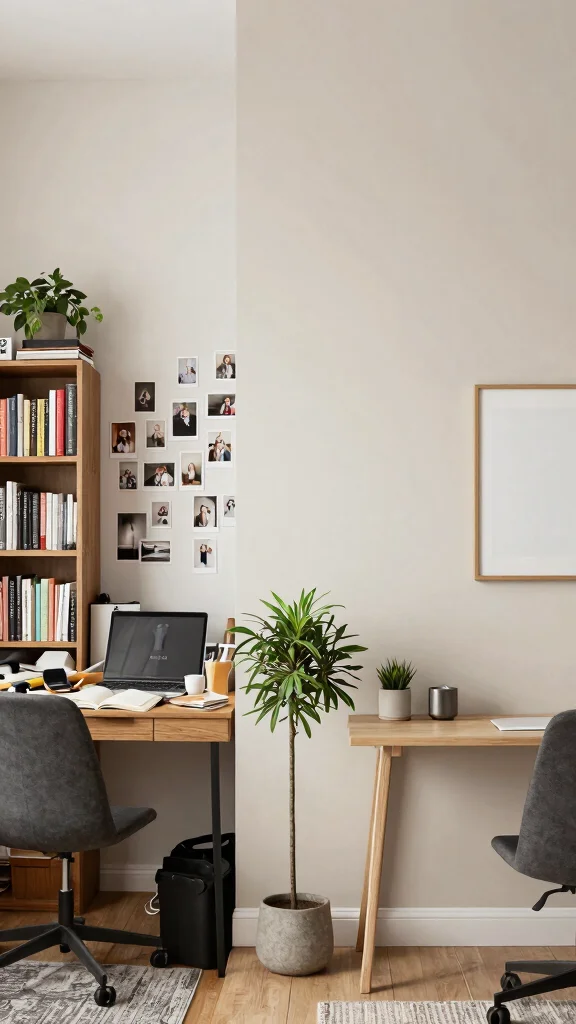
Your background on video calls plays a critical role in shaping others’ perceptions of you. A chaotic backdrop can divert attention from your insights and lead to miscommunication. Simple adjustments can significantly elevate your professionalism and clarity.
Enhance your background with these suggestions:
– Simplify decor: Choose neutral tones that maintain focus on you.
– Use a virtual background: Select a professional image that complements your brand.
– Remove distractions: Clear personal items that might detract from your message.
A well-thought-out background fosters a focused atmosphere, making it easier for colleagues to connect with your ideas.
Recommended Products

Compatibility: Fits one laptop or notebook up to 17” and supports weight up to 22lbs. Mount plates detachable and height adjustable. Dual mounting options for laptop or a monitor with mounting holes 75x75mm and 100x100mm

【Adjustable & Ergonomic】:This laptop stand can be adjusted to a comfortable height and angle according to your actual needs, letting you fix posture and reduce your neck fatigue, back pain and eye strain. Very comfortable for working in home, office and outdoor.

【Adjustable & Ergonomic】:This laptop stand can be adjusted to a comfortable height and angle according to your actual needs, letting you fix posture and reduce your neck fatigue, back pain and eye strain. Very comfortable for working in home, office and outdoor.
4. Unprofessional Attire
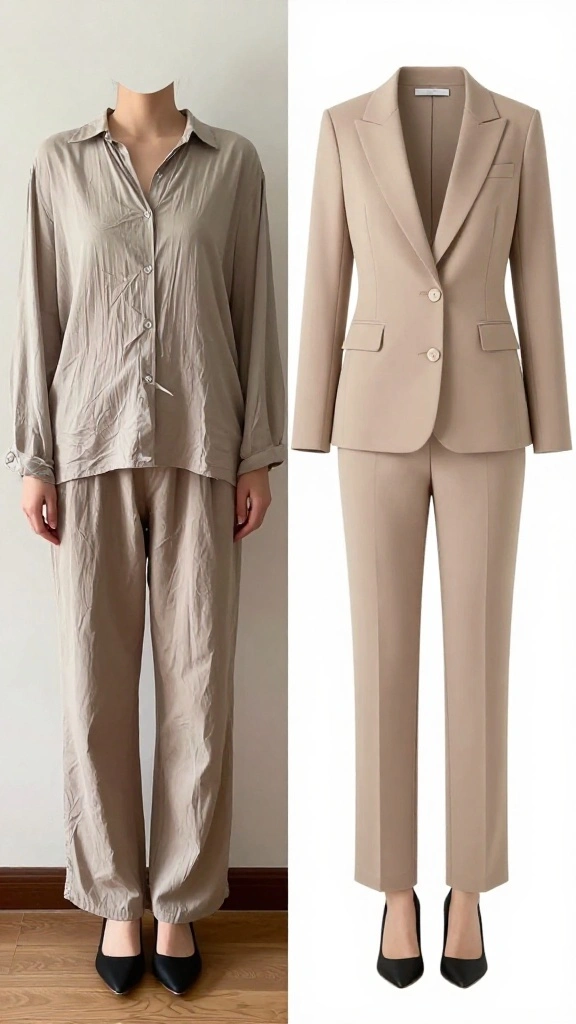
Your attire on video calls speaks volumes about your professionalism. Even if only your upper half is visible, dressing sloppily can convey a lack of seriousness. Choosing the right outfit boosts not only your confidence but also how others perceive you.
Consider these tips for a polished appearance:
– Dress appropriately: Select smart-casual clothing that suits your work culture.
– Opt for solid colors: They tend to look better on camera than busy patterns.
– Maintain grooming: Ensure you appear tidy and presentable at all times.
Your clothing choices send a message about your professionalism, helping you to establish credibility and confidence in every meeting.
Among the common video call mistakes, your attire speaks volumes about professionalism. Dress smartly, choose solid colors, and keep grooming for a polished look. Small changes in what you wear can flip how colleagues perceive you on every call.
Recommended Products

【Neewer BASICS Series】These products offer basic functions and designs that meet the essential needs of most customers, while avoiding the high costs associated with over-design and the use of premium materials.

Uniform and Soft Illumination: LitONES desk video conference light utilizes advanced edge-lit technology, delivering even and gentle lighting perfect for Zoom meetings, video recording, remote working, home office, learning, reading, content creation. This design eliminates harsh glare, ensuring a high-quality, comfortable light source that reduces eye strain and makes you look natural during video calls, online teaching, and live streaming, shooting projects .

BRIGHTER AND SOFTER: This ringlight features an large 10.5" lamp head with 120 pieces LED, and its impressively curved design sets it apart from other flat lamp shades. We've enhanced the lampshade with an upgraded, thicker coating to provide brighter illumination while avoiding dazzling problems. Our design is more user-friendly than ordinary flat lampshades and will not produce glare even after long hours of use, effectively protecting your eyes!
Unprofessional Attire
Editor’s Choice

Men’s Casual Blazer One Button Lightweight Sport Coats Solid Notched Lap…

Mens Blazers Slim Fit Business Casual Men Suit Sport Coat One Button Tra…


Women’s Blazer Business Casual Lightweight Suit – Long Sleeve Slim Fit W…

Cicy Bell Womens Casual Blazers Open Front Long Sleeve Work Office Suit …
5. Technical Issues
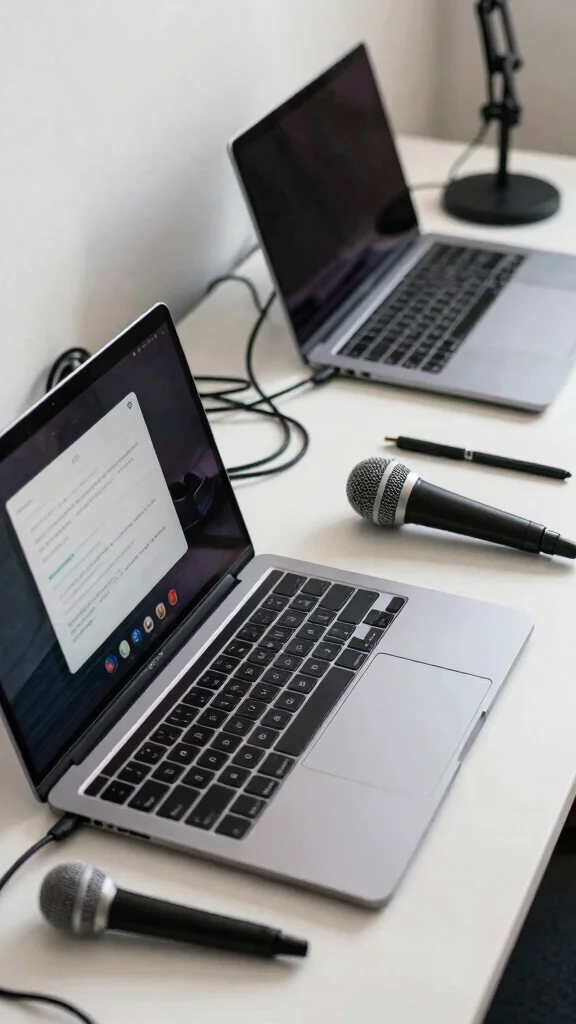
Technical glitches can derail video calls and create frustration for everyone involved. Problems like poor audio or video quality can lead to misunderstandings, hampering your ability to communicate effectively. Being proactive in your tech setup is essential for a seamless experience.
To minimize technical disruptions, follow these practices:
– Test your gear: Always check your camera and microphone before starting.
– Secure your internet: Use a wired connection for stable performance.
– Prepare a backup: Have another device ready in case of issues.
By addressing potential technical problems ahead of time, you can focus on your conversation, projecting confidence and professionalism.
Recommended Products

All-in-One Desk Organizer: WALI multi-tier desk organizer features 4 letter trays, a vertical file folder organizer, 2 metal pen holders and a sliding divided drawer, keeping your office supplies for desk tidy and maximizing desktop space, ideal for ideal for women and men as office desk accessories

🎁【Multi-Functional Office Organization】Get your work area in order with the OPNICE Desk Organizer! Featuring 4 spacious trays, a vertical file organizer, 2 convenient hanging pen holders, and a sliding drawer, you can store all your office supplies, classify and organize them, and keep your desktop tidy

Ergonomic & Adjustable Design: Fight "text neck" and improve your posture with LISEN's taller, photogenic phone stand. Designed for comfort, it offers an adjustable height (7.1in-8.5in) (1.4in adjustable range) and angle (5-85) best phone holder for video recording
Technical Issues
Editor’s Choice

GEARit Cat 6 Ethernet Patch Cable 5 ft Blue (24-Pack Cat6 Ethernet Patch…

Logitech Brio 4K Webcam, Video Calling, Noise-Cancelling mic, HD Auto Li…

Logitech C920x HD Pro PC Webcam, Full HD 1080p/30fps Video, Clear Audio,…

FIFINE USB Microphone, Metal Condenser Recording Microphone for MAC OS, …

TONOR Conference USB Microphone, Omnidirectional Condenser PC Mic for Vi…
🏡 Transform Your Space Today!
Unlock your creativity and design a professional home office that impresses during every video call.
6. Neglecting Good Video Meeting Etiquette
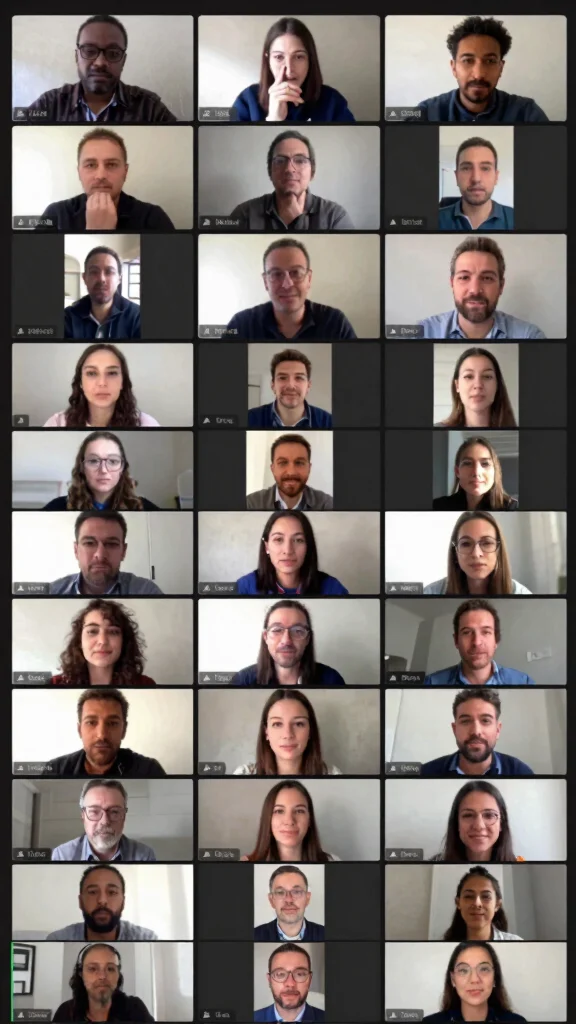
Practicing proper video call etiquette is just as crucial as being prepared. Disruptive behaviors like interrupting or failing to mute can create chaos and prevent meaningful dialogue. Being mindful of how you engage with others enhances the overall experience.
Implement these etiquette tips for smoother interactions:
– Mute when not speaking: This keeps background noise to a minimum.
– Listen actively: Allow others to finish before responding.
– Maintain eye contact: Look at the camera to foster connection.
By adhering to good video etiquette, you cultivate a respectful and collaborative atmosphere, enhancing communication and showcasing your professionalism.
Recommended Products

Impressive Size and Quality: This spectacular Window Backdrop measures 7X5 feet (2.1X1.5 metres) and serves as a stunning zoom backdrop that adds a professional touch to your space

Zero-Latency Audio for Competitive Edge: Dominate your matches with the AOC wireless gaming headset. Featuring ultra-fast 2.4GHz lossless technology (≤20ms latency), this ps5 headset ensures your audio is always perfectly synced with the action. Tuned 50mm drivers deliver clear gaming sound for footsteps, reloads, dialogue, and in-game effects in FPS, action, and open-world games. The closed over-ear design helps keep you focused during Fortnite, Call of Duty, Roblox, Discord chat, online classes, and movie watching.

Neglecting Good Video Meeting Etiquette
Editor’s Choice
Logitech Brio 4K Webcam, Video Calling, Noise-Cancelling mic, HD Auto Li…
Logitech C920x HD Pro PC Webcam, Full HD 1080p/30fps Video, Clear Audio,…

Logitech Brio 101 Full HD 1080p Webcam for Meetings, Streaming, Desktop,…

UBeesize 14” LED Foldable Ring Light with 62” Tripod Stand, Selfie Rin…

Sony WH-CH520 Wireless Headphones Bluetooth On-Ear Headset with Micropho…
Conclusion
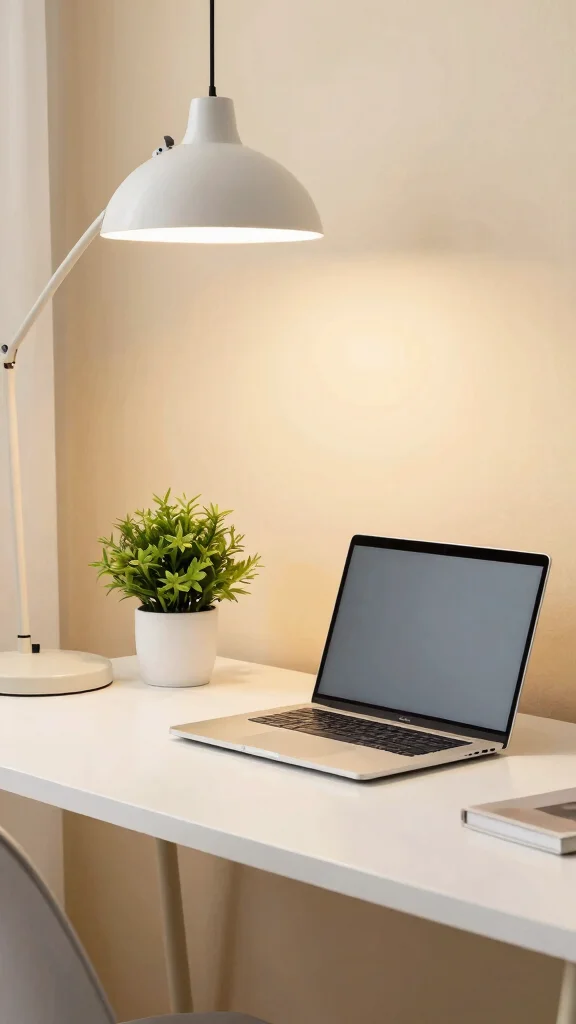
In the world of remote work, your video call setup can profoundly impact your professional image. By avoiding these common tech mistakes, you enhance your appearance and ensure a more effective communication experience. A tidy workspace, adequate lighting, and thoughtful attire contribute significantly to your image on screen.
Implementing these tips can make you look polished and prepared, showcasing your dedication to professionalism in a virtual environment. Now, it’s time to assess your current setup and make necessary adjustments for those important video calls!
Note: We aim to provide accurate product links, but some may occasionally expire or become unavailable. If this happens, please search directly on Amazon for the product or a suitable alternative.
This post contains Amazon affiliate links, meaning we may earn a small commission if you purchase through our links, at no extra cost to you.
Recommended Products

We Care Your Eyes - Base the edge-lit technology and 4-layer light guide plate, LitONES ringlight avoids direct exposure of the light source to the eyeball, perfectly minimizing harsh glare. 84 psc 10W LEDs provide even & brighter light up to 450 Lumens(1000 Lux/0.5m), effortlessly creating a comfortable, eye friendly environment for long work sessions

Compatible with Nintendo Switch 2’s new GameChat mode

【Crystal-Clear 1080P HD Video】This 1080p webcam for PC delivers sharp, true Full HD video at 30 frames per second, bringing your digital world to life with vibrant clarity. Enjoy smooth, real-time streaming with enhanced high dynamic range (HDR) that keeps your face clearly visible even in low light or backlit conditions.
Frequently Asked Questions
Question: What are the most common video call mistakes that make you look unprofessional?
The most common video call mistakes that derail a professional impression are a cluttered background, harsh or dim lighting, an awkward camera angle, noisy surroundings, and outfits or on-camera habits that distract.
Fix them quickly with a quick 5-minute setup: tidy your space to a clean home office backdrop, use natural light or a neutral lamp, raise your camera to eye level, test your audio with headphones or a headset, and remove personal items that pull focus.
Choose a simple decor scheme for your home office that stays in the background while reflecting your style, so your professional appearance stays consistent on video calls.
With these changes, you reduce video call mistakes and project confidence in every meeting.
Question: How can I optimize my home office setup to look professional on video calls?
Optimizing your home office setup is the first step to looking professional on video calls. Start with a clean desk, tidy cables, and a neutral color palette that won’t clash with your attire. Position your webcam at eye level, keep a comfortable chair, and add a simple plant or decor element that suits your space without being distracting. Check lighting: use natural light and a soft desk lamp to avoid harsh shadows, and angle the camera to reduce glare. Finally, test audio with a decent mic or headset so your voice comes through clearly, which is key to good video conferencing tips and remote work best practices.
Question: What are some practical video conferencing tips to improve lighting, sound, and background?
Here are practical video conferencing tips to improve lighting, sound, and background. Use soft, even lighting from about 45 degrees in front of you and avoid backlighting that hides your face. Keep your background simple—a clean wall or a tidy shelf with cohesive decor—and avoid busy patterns that can be distracting on camera. For sound, use a headset or external mic to cut echo and noise, and run a quick internet test to prevent freezes during your video meeting etiquette moments.
Question: How can I arrange my space and decor to follow video meeting etiquette and project professionalism?
To align space and decor with video meeting etiquette, aim for a calm, cohesive home office backdrop that supports a professional appearance. Choose a simple color palette, neaten cables, and limit personal items that pull attention away from you. Frame yourself so your head and shoulders fit well in the shot, with the camera at eye level and a few tasteful decor elements that enhance your brand. Remember, consistent video meeting etiquette and home office setup signal reliability and respect for colleagues.
Question: What remote work best practices help my appearance stay professional during virtual meetings?
Adopting solid remote work best practices makes a big difference in how you look on camera. Start with a quick tech check before every meeting: test your camera, mic, and internet, check lighting, and silence notifications. Dress for the camera with solid colors and neat attire that fit your professional brand, even from home. Maintain good posture, sit up straight, and minimize on-screen distractions (no multitasking in view). Keeping your space tidy ensures a consistent, professional backdrop across calls.
Recommended Products

Broad Compatibility: Besign LS10 Laptop Stand for Desk is compatible with all laptops from 10''-14'', such as Air 13, Pro 13 / 15 / 2018 / 2017 / 2016, Lenovo ThinkPad, Dell, HP, ASUS, Chromebook, and other notebooks.

Broad Compatibility: Besign LSX7 Laptop Stand is compatible with all laptops from 10''-15.6'', such as Air 13, Pro 13 / 15 / 2018 / 2017 / 2016, Lenovo ThinkPad, Dell, HP, ASUS, Chromebook, and other notebooks.

【Adjustable & Ergonomic】:The laptop holder elevates your notebook from 4.34” to 6.59” height (6 level height) for a perfect eye level, letting you fix posture and reduce your neck fatigue, back pain and eye strain. Very comfortable for working in home, office and outdoor.(Please Note: The two support bars must be inserted into the slots at the same level to ensure balance on both sides)
Related Topics
video call mistakes
home office setup
professional appearance
video conferencing tips
remote work best practices
video meeting etiquette
minimalist workspace
beginner friendly
easy decor updates
virtual meeting style
productive workspace
tech-savvy decor