
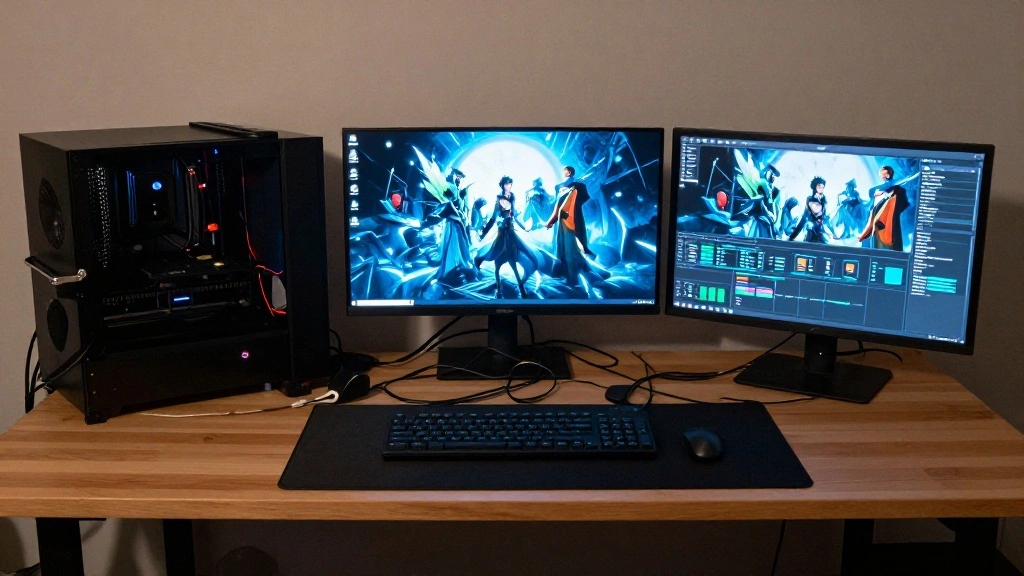
Are you tired of a tangled mess of cables cluttering your gaming setup? Not only can visible cables be an eyesore, but they can also become a source of frustration during gameplay. The urgency to address this issue is clear: a neat and organized gaming area not only enhances your aesthetic but also improves functionality and safety. In this guide, you’ll learn how to effectively hide those pesky cables, creating a sleek and streamlined gaming environment.
By the end of this article, you will have a step-by-step plan to declutter your workspace, ensuring that your cables are neatly managed and hidden from sight. You’ll learn about various techniques and tools that can help you achieve this goal, making your gaming experience more enjoyable and visually appealing.
This guide is designed for beginner DIY enthusiasts and can be completed in approximately 1-2 hours. Get ready to transform your gaming desk setup!
TL;DR Summary
- Identify and organize your cables to avoid confusion.
- Use cable management tools like clips, sleeves, or boxes.
- Follow step-by-step instructions to hide cables in a neat way.
- Enjoy a clean and organized gaming space that enhances your experience.
TL;DR Summary
Editor’s Choice

XHF 120 PCS Adhesive Cable Wire Clips Black, Outdoor Christmas Light Cli…

Prerequisites/Materials Needed
- Cable clips (10-15 pieces)
- Cable sleeves (1-2 depending on length)
- Cable management box (1)
- Velcro ties (5-10 pieces)
- Scissors (1 pair)
- Measuring tape (1)
Prerequisites/Materials Needed
Editor’s Choice

Alex Tech 10ft – 1/2 inch Cord Protector Wire Loom Tubing Cable Sleeve S…

60 PCS XHF 5/8” Adhesive Cable Wire Clips Clear, Outdoor Christmas Lig…
Skill Level & Time Estimate
Skill Level: beginner
Total Time Estimate: 1-2 hours
Breakdown of time:
- Identifying and organizing cables: 15-20 minutes
- Installing cable clips and sleeves: 30-45 minutes
- Finalizing and reviewing setup: 15-30 minutes
Skill Level & Time Estimate
Editor’s Choice
XHF 120 PCS Adhesive Cable Wire Clips Black, Outdoor Christmas Light Cli…

Nettbe 60 PCS 6 Inches Reusable Cable Ties, Adjustable Cord Straps Wire …
Step 1: Identify Your Cables
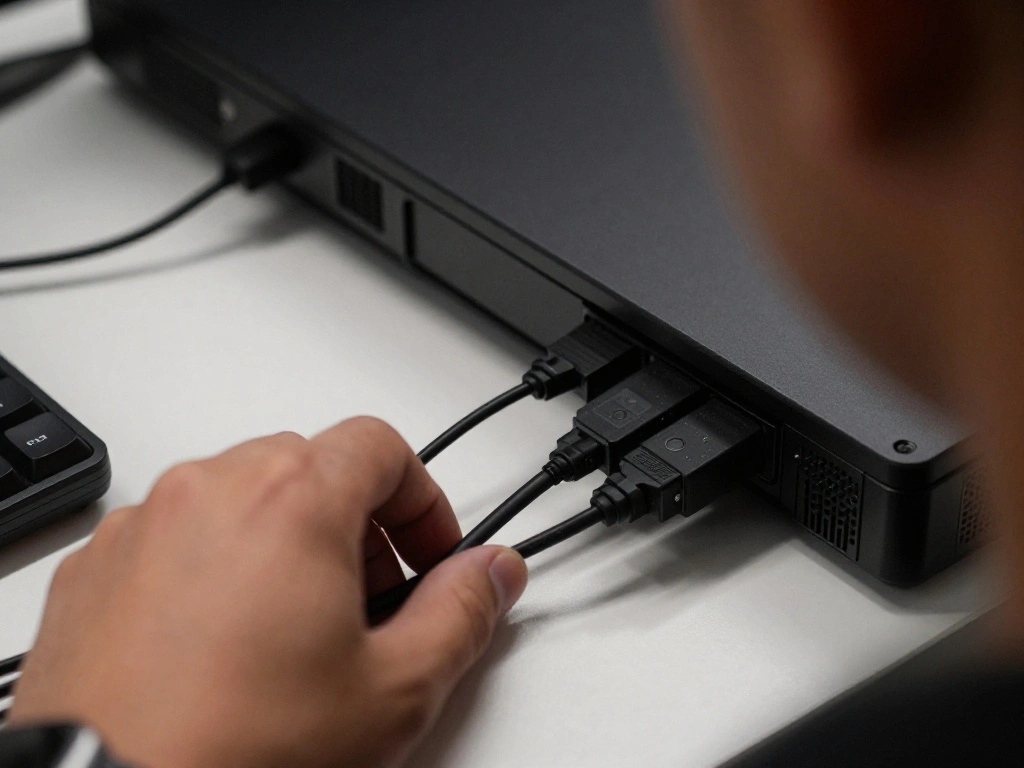
Begin by examining all the cables connected to your gaming desk. This will help you understand the extent of the mess and which cables need to be managed. Follow these sub-steps:
- Unplug all devices (monitor, PC, keyboard, etc.) from their power sources.
- Sort cables by type (power cables, USB cables, HDMI cables, etc.).
- Label each cable with a piece of tape for easy identification later.
Warning: Always ensure your equipment is powered off before unplugging to avoid electrical shock.
Why this matters: Identifying your cables allows for better organization and planning for how to hide them effectively.
Step 1: Identify Your Cables
Editor’s Choice

10ft PET Braided Cable Sleeve 1/8 inch(3mm) Wire Protector Cable wrap Wi…

Cable Zip Ties,400 Pack Black Assorted Sizes 12+8+6+4 Inch,Multi-Purpose…
XHF 120 PCS Adhesive Cable Wire Clips Black, Outdoor Christmas Light Cli…
Step 2: Organize Cables by Length
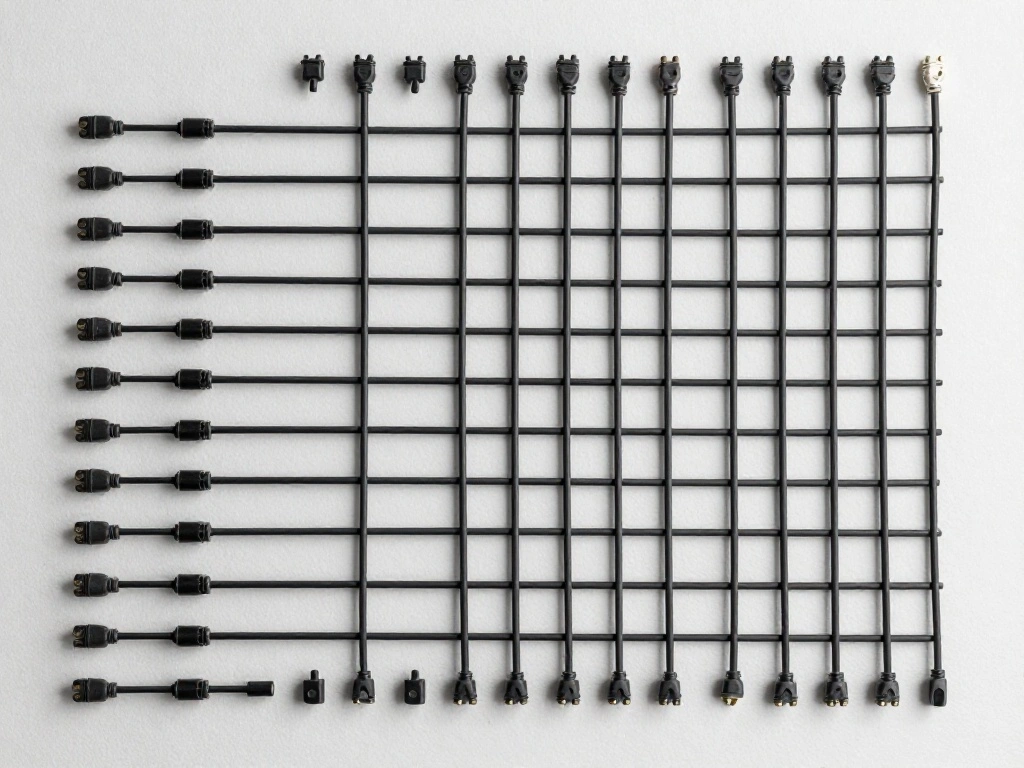
Next, sort your cables by length. This step will help you determine how to best position them and which management tools to use. Follow these sub-steps:
- Lay all the cables on a flat surface.
- Group cables into short, medium, and long categories.
- Measure the lengths of the longer cables to ensure they can reach their intended devices comfortably.
Pro Tip: Use a measuring tape to check lengths accurately, and cut any excess lengths if needed.
Why this matters: Organizing cables by length helps you plan their routes more effectively, reducing clutter.
Step 2: Organize Cables by Length
Editor’s Choice

Alex Tech 10ft – 1/2 inch Cord Protector Wire Loom Tubing Cable Sleeve S…
Cable Zip Ties,400 Pack Black Assorted Sizes 12+8+6+4 Inch,Multi-Purpose…

60 PCS XHF 5/8” Adhesive Cable Wire Clips Clear, Outdoor Christmas Lig…
Step 3: Choose the Right Cable Management Tools
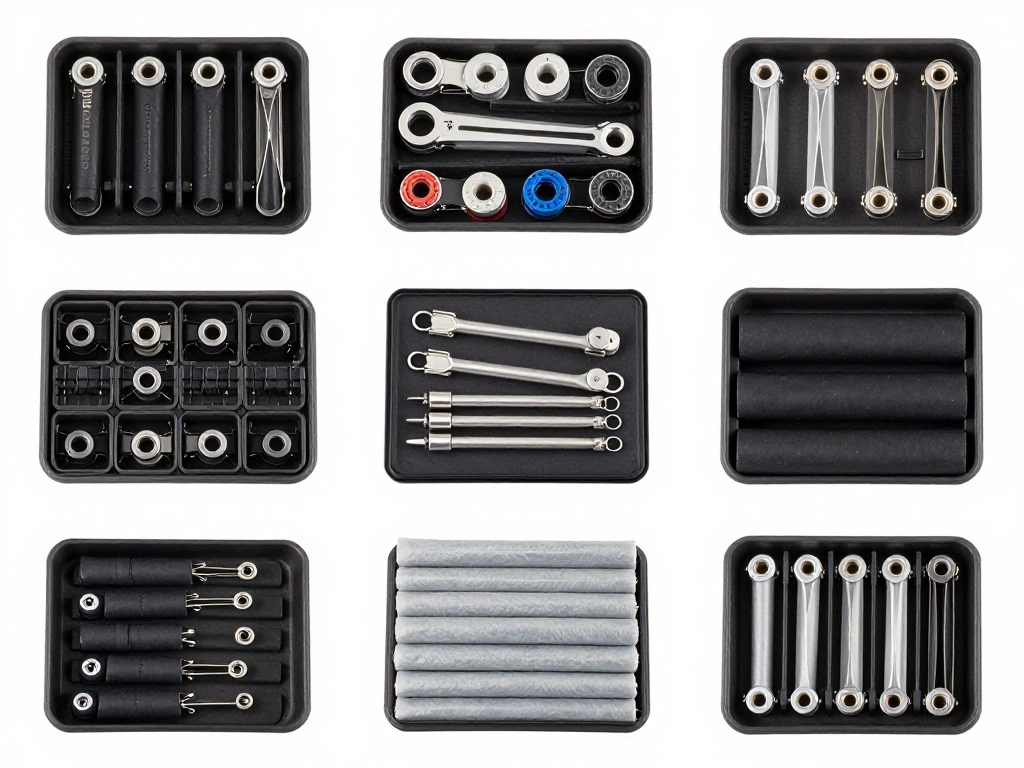
With your cables sorted, the next step is to choose the tools that will help you manage them effectively. Consider the following tools:
- Cable clips: These will keep your cables anchored to the desk.
- Cable sleeves: Use these to bundle multiple cables together for a cleaner look.
- Cable management box: This can hide power strips and excess cables.
Warning: Ensure that any tools you choose are compatible with the cables you have (e.g., check sizes for cable sleeves).
Why this matters: Selecting the right tools ensures that you can effectively hide and manage your cables without damaging them.
Step 3: Choose the Right Cable Management Tools
Editor’s Choice
Alex Tech 10ft – 1/2 inch Cord Protector Wire Loom Tubing Cable Sleeve S…
60 PCS XHF 5/8” Adhesive Cable Wire Clips Clear, Outdoor Christmas Lig…

D-Line Cable Management Box, Power Strip Cover, Floor Outlet Hider, Desk…
Step 4: Use Cable Clips for Vertical Management
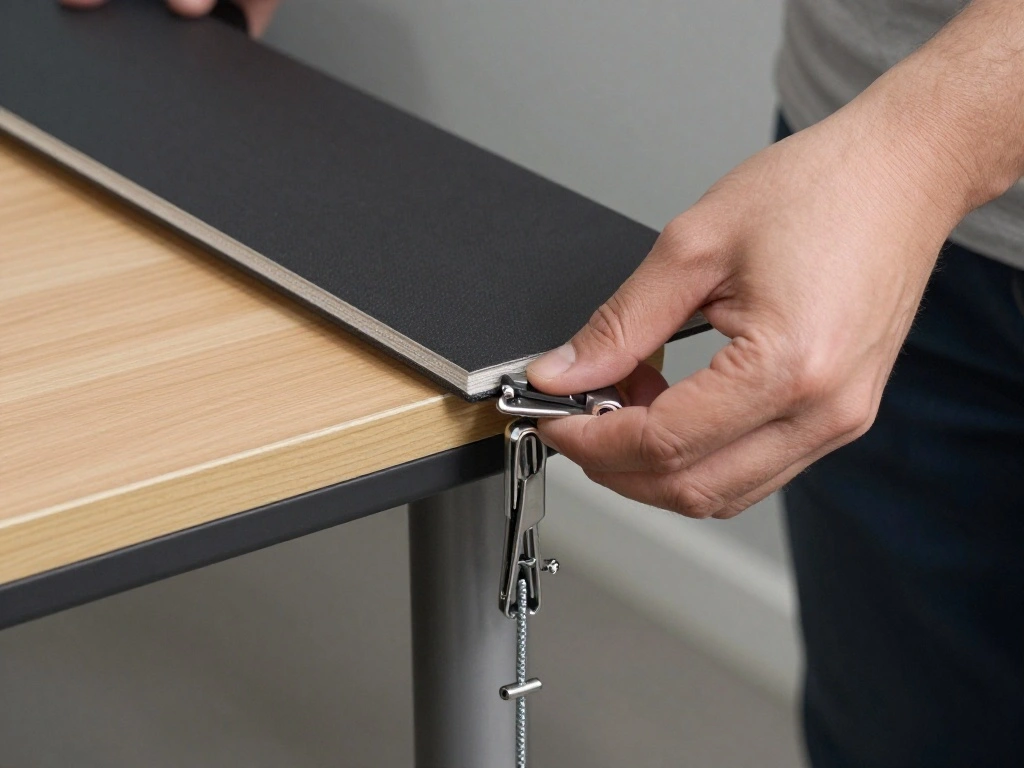
Start attaching cable clips to your desk to manage cables running vertically. Follow these steps:
- Choose a location for clips along the edge of your desk, ideally close to where cables will hang.
- Peel off the adhesive backing and press the clips firmly onto the desk.
- Insert corresponding cables into the clips, ensuring they are secure.
Pro Tip: Space clips evenly for a uniform look and to prevent cables from falling out.
Why this matters: This method keeps cables off the floor and organized, reducing trip hazards.
Step 4: Use Cable Clips for Vertical Management
Editor’s Choice
Alex Tech 10ft – 1/2 inch Cord Protector Wire Loom Tubing Cable Sleeve S…

Flezoo Cord Holder Cable Holder, 12PCS Black Adhesive Cable Clips Cord O…
Step 5: Bundle Cables with Sleeves
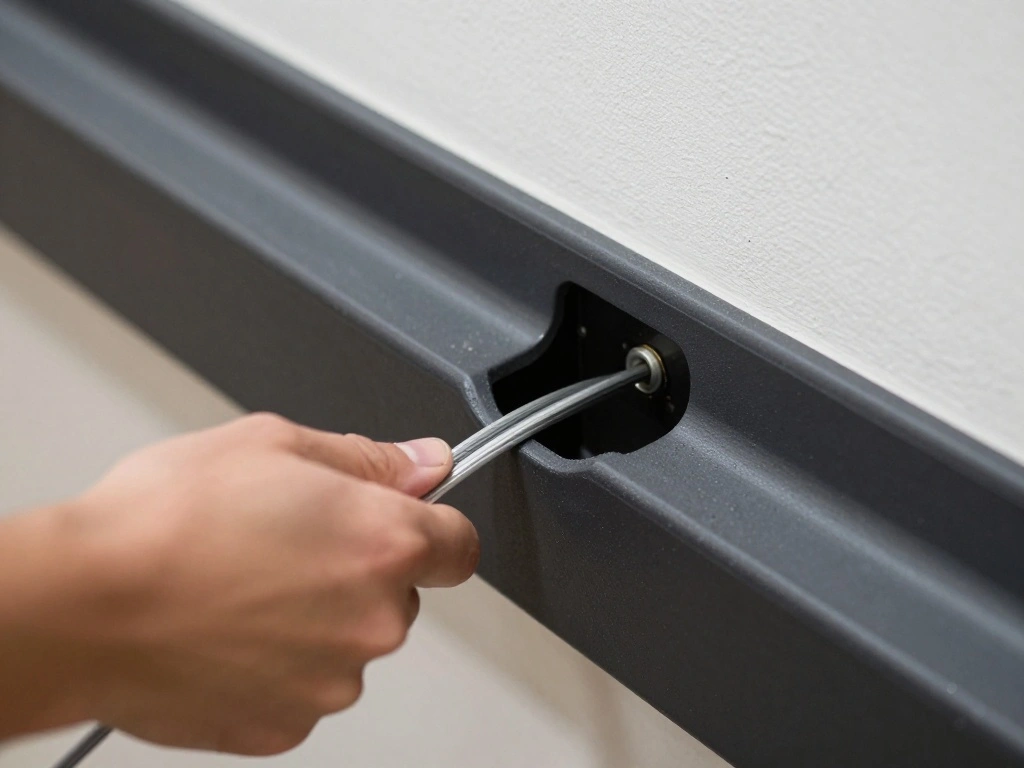
For cables that run in parallel, bundling them with sleeves will create a clean look. Follow these steps:
- Gather the cables you want to bundle together.
- Slide them into the cable sleeve, ensuring they fit snugly.
- Cut the sleeve to the desired length, leaving a little extra for adjustments.
Warning: Make sure not to bundle cables that can generate heat together, as this can be a fire hazard.
Why this matters: Bundling cables reduces visual clutter and makes it easier to manage multiple cables at once.
Step 5: Bundle Cables with Sleeves
Editor’s Choice
Flezoo Cord Holder Cable Holder, 12PCS Black Adhesive Cable Clips Cord O…
Alex Tech 10ft – 1/2 inch Cord Protector Wire Loom Tubing Cable Sleeve S…
Step 6: Install a Cable Management Box
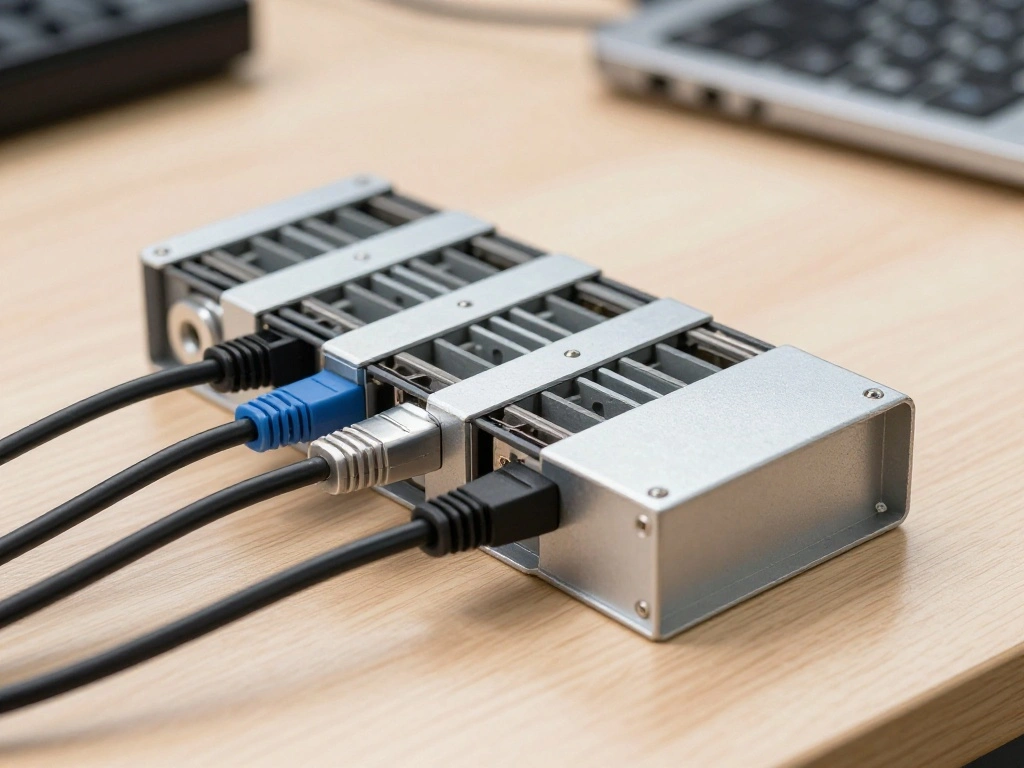
The cable management box is key for hiding power strips and excess cables. Here’s how to set it up:
- Find a suitable location for the box, preferably on or under your desk.
- Place the power strip inside the box and connect it to a power source.
- Feed the cables through the openings of the box, ensuring they are tidy.
Pro Tip: Choose a box that complements your desk aesthetics for a more cohesive look.
Why this matters: A management box not only hides clutter but also protects your cables from damage.
Step 6: Install a Cable Management Box
Editor’s Choice
60 PCS XHF 5/8” Adhesive Cable Wire Clips Clear, Outdoor Christmas Lig…
Alex Tech 25ft – 1/2 inch Cord Protector Wire Loom Tubing Cable Sleeve S…
2 Pack Large Cable Management Box – Wooden Style Cord Organizer and Co…
Step 7: Finalize Cable Routing
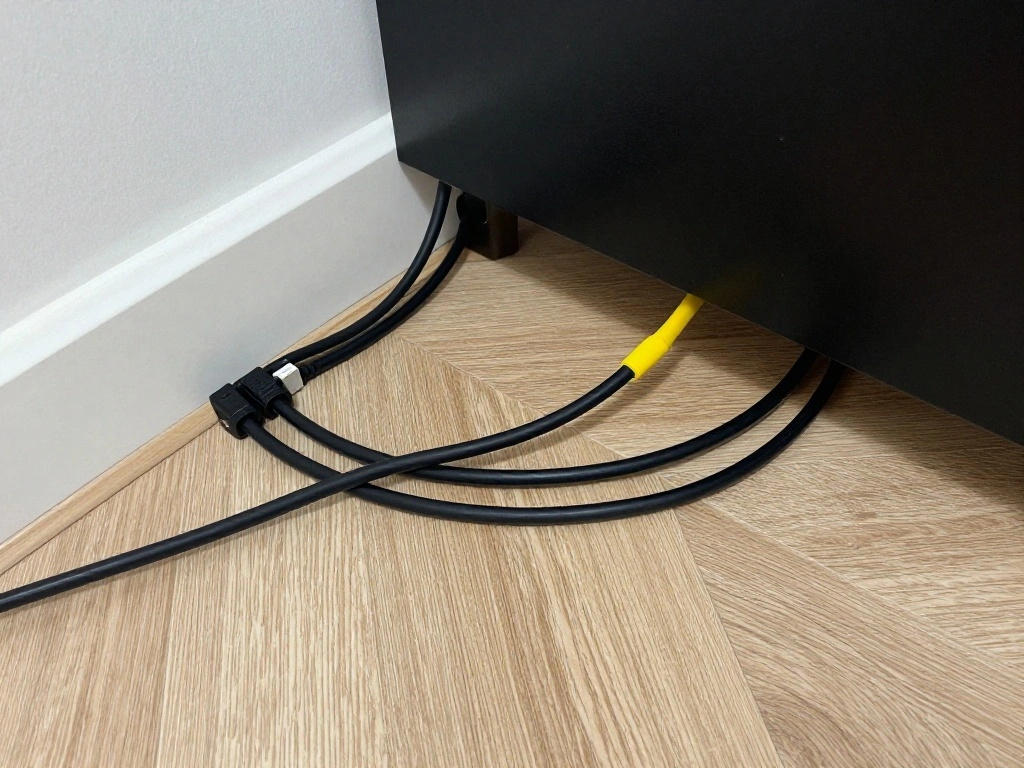
With most cables managed, the next step is to finalize their routing. Follow these steps:
- Double-check that all cables are in their designated clips or sleeves.
- Adjust any loose cables to ensure they are not hanging or sagging.
- Make sure all devices are securely plugged in and functioning properly.
Warning: Avoid placing heavy items on top of cables as this may cause damage.
Why this matters: Proper routing ensures that cables remain hidden and organized, contributing to a clean workspace.
Step 7: Finalize Cable Routing
Editor’s Choice
Nettbe 60 PCS 6 Inches Reusable Cable Ties, Adjustable Cord Straps Wire …

54 Yards x 1/2 Inch Reusable Cable Ties – BSELEYY Adjustable Cord Straps…
Step 8: Review and Adjust
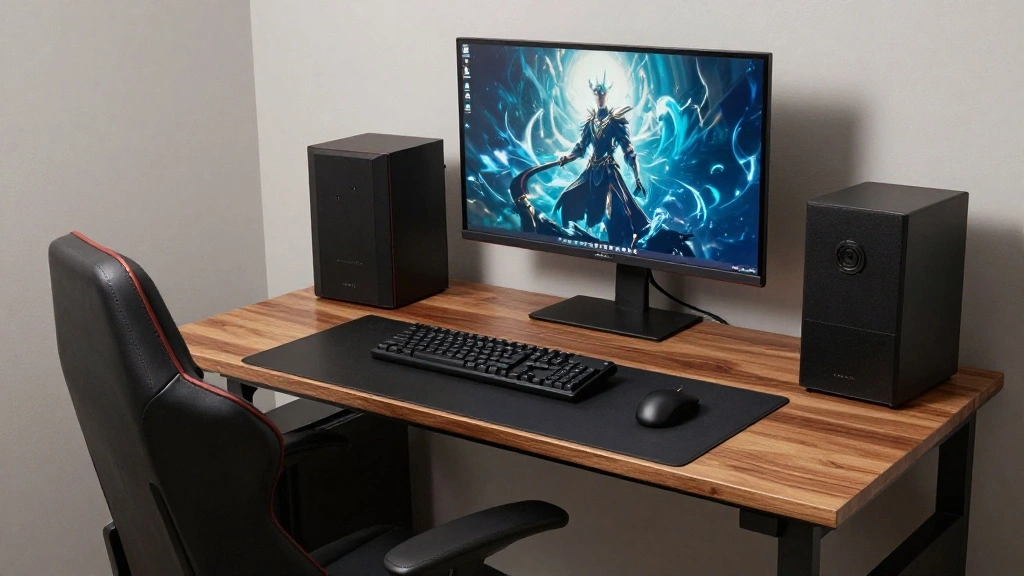
Finally, take a step back and review your setup. Here’s how to ensure everything looks great:
- Stand up and look at your desk from a distance to assess the overall appearance.
- Adjust any cables or clips that may have shifted during setup.
- Test all devices to make sure everything is functioning correctly.
Pro Tip: Consider taking a photo of your setup to identify areas for improvement later.
Why this matters: A final review ensures that your workspace is not only functional but also visually appealing.
Step 8: Review and Adjust
Editor’s Choice

Tatuo 4 Pcs Cable Organizer Box with Wire Ties, Plastic Cord Storage Box…

XHF 100 PCS 3/4″ Black Self Adhesive Cable Zip Tie Mounts Wire Cable Cli…
Alex Tech 10ft – 1/2 inch Cord Protector Wire Loom Tubing Cable Sleeve S…
Pro Tips
- Label Everything: Use labels on cables to make it easier to identify which cables belong to which devices.
- Regular Maintenance: Periodically check your cable management to ensure it remains tidy as you add or remove devices.
- Consider Wireless Options: Where possible, opt for wireless devices to reduce the number of cables.
- Invest in Quality Tools: Higher quality cable management tools will last longer and provide better results.
- Color Code Cables: Use different colored sleeves or ties to distinguish between types of cables for easier identification.
Pro Tips
Editor’s Choice
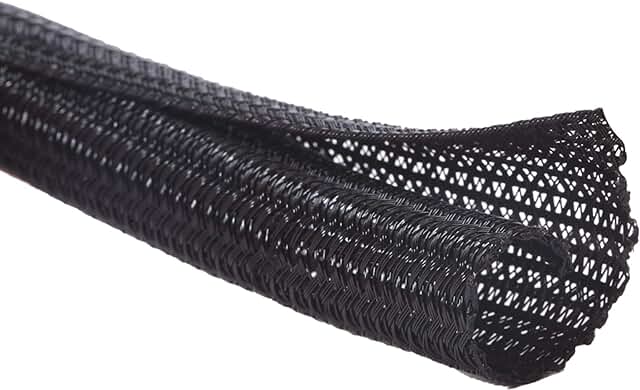
Alex Tech 10ft – 1/2 inch Cord Protector Wire Loom Tubing Cable Sleeve S…
Common Mistakes to Avoid
Warning: Avoid using adhesive clips on surfaces that can be damaged, like certain types of wood or paint.
Warning: Don’t bundle cables that can generate heat; this could pose a fire risk.
Warning: Avoid placing heavy objects on cables, which can cause damage or disconnection.
Warning: Don’t forget to leave some slack in cables for movement; tight cables can be easily damaged.
Warning: Don’t overload your power strip; it can lead to tripped breakers or worse, electrical fires.
Common Mistakes to Avoid
Editor’s Choice

Delamu Cord Hider, 157in Wire Covers for Cords on Wall, Premium Cable Hi…
Alex Tech 10ft – 1/2 inch Cord Protector Wire Loom Tubing Cable Sleeve S…
Troubleshooting Section
Problem: Cables still look messy after management.
Solution: Reassess your cable organization; consider adding more clips or bundling additional cables.
Problem: Devices not powering on.
Solution: Check all connections; ensure that plugs are securely inserted into power sources.
Problem: Cables are too short.
Solution: Consider using extension cords or purchasing longer cables as needed.
Problem: Clips won’t stick to the desk.
Solution: Clean the surface of the desk before applying clips; use a stronger adhesive if necessary.
Problem: Cables are overheating.
Solution: Ensure that you are not bundling heat-generating cables together; rearrange them to allow for airflow.
Troubleshooting Section
Editor’s Choice
XHF 120 PCS Adhesive Cable Wire Clips Black, Outdoor Christmas Light Cli…
Alex Tech 25ft – 1/2 inch Cord Protector Wire Loom Tubing Cable Sleeve S…

10Ft Extension Cord with Multiple Outlets, SUPERDANNY Flat Plug Surge Pr…
Variations/Alternative Methods
Consider these alternative methods if you want to adjust your cable management:
- Under-Desk Trays: Install a tray underneath your desk to hold power strips and cables, keeping them off the ground.
- Wall-Mounted Cable Channels: Use channels to run cables along the wall, easily keeping them hidden and out of reach.
- Decorative Boxes: Use decorative storage boxes that can blend with your decor while hiding cables.
Variations/Alternative Methods
Editor’s Choice

Cable Management Box, Handmade Rattan Cable Organizer with 2 Open Slots,…
Delamu Cord Hider, 157in Wire Covers for Cords on Wall, Premium Cable Hi…

Under Desk Cable Management Tray No Drill, Metal Mesh Cable Management U…
FAQs
What if I don’t have enough cable clips? You can use any adhesive strips or ties to temporarily secure cables until you can get more clips.
How long should I wait before checking my setup? Give it a week to see if any adjustments are necessary as you use your setup.
Is it safe to run cables under rugs? It’s not recommended as it can cause overheating and pose a tripping hazard.
What if my cables are too long? You can coil excess cables neatly or use cable ties to keep them organized.
Can I use zip ties instead of sleeves? Yes, zip ties are a great alternative for bundling cables, just ensure they are not too tight.
FAQs
Editor’s Choice

CAILLU Stocking Stuffers for men 10 Pack Cord Organizer,Cord Holder,Cabl…

7 Case Cable Storage Box with Cable Straps and Label Stickers, Travel Co…
Alex Tech 10ft – 1/2 inch Cord Protector Wire Loom Tubing Cable Sleeve S…
Conclusion
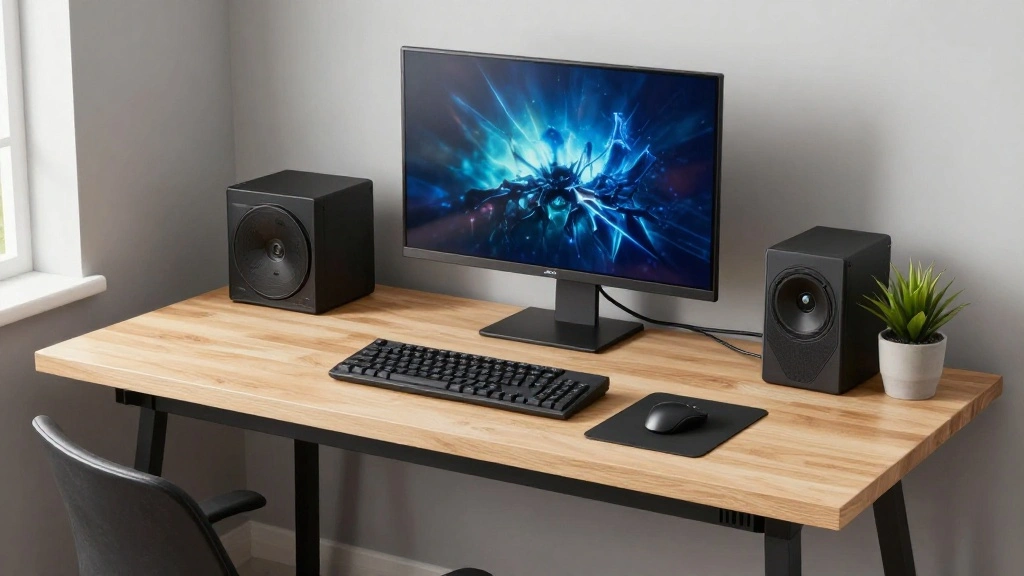
Congratulations! You’ve successfully hidden your cables and created a cleaner, more organized gaming setup. A tidy workspace not only looks better but also enhances your gaming experience by reducing distractions.
Now that your cables are managed, consider optimizing other elements of your gaming setup, such as your monitor position or desk arrangement. For more tips on enhancing your gaming experience, check out related resources online.
Remember, a well-organized space can spark inspiration and improve your overall gaming vibe. Happy gaming!