
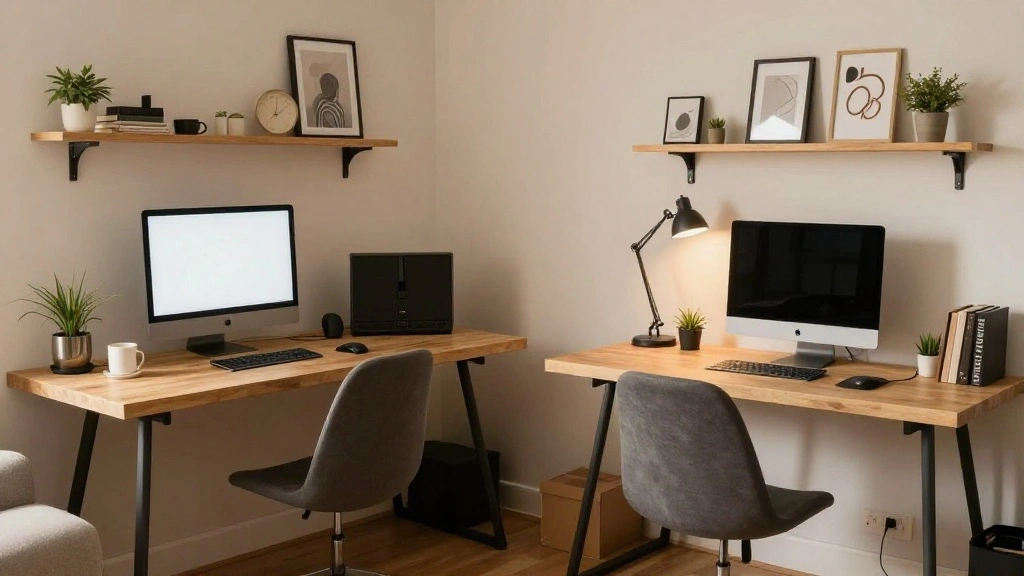
Finding a suitable workspace can be a challenge, especially when sharing a home office with another person. With distractions, clutter, and conflicting styles, it’s easy to feel overwhelmed and unproductive. The urgency to create an efficient workspace that caters to both individuals has never been greater.
This guide will help you set up a functional and organized shared home office that enhances productivity and minimizes distractions. By following these steps, you will create a harmonious workspace that meets the needs of both users.
You will learn how to effectively divide the space, choose the right furniture, set up technology, and maintain organization to ensure a smooth workflow. The difficulty level is beginner, and you can expect to complete this project in approximately 2-3 hours.
Are you ready to transform your shared office into a collaborative sanctuary? Let’s dive in!
TL;DR Summary
- Identify your shared office needs and space constraints.
- Choose functional and comfortable furniture suitable for two people.
- Set up technology and organize supplies for easy access.
- Establish a cleaning and maintenance routine to keep the space tidy.
TL;DR Summary
Editor’s Choice

ErGear Height Adjustable Electric Standing Desk, 48 x 24 Inches Sit Stan…


MSI MPG MT161DR – Premium RGB Dual Monitor Stand Arms, 17-38″ Support, V…

Pen Holder for Desk, Desk Organizers Set-3 Compartments Mesh Pencil Hold…
Prerequisites/Materials Needed
- Furniture:
- 2 desks (preferably L-shaped or standing desks)
- 2 ergonomic chairs
- Technology:
- 2 computers/laptops
- 1 shared printer
- 2 monitors (optional)
- Office supplies:
- Pens, notepads, sticky notes
- File organizers
- Desk organizers
- Storage solutions:
- Bookshelves or cabinets
- Drawer units
- Decor:
- Plants or artwork to personalize the space
Skill Level & Time Estimate
Skill Level: beginner
Total time estimate: 2-3 hours
Breakdown of time by major steps:
- Assessing space and needs: 30 minutes
- Choosing and arranging furniture: 1 hour
- Setting up technology: 1 hour
- Organizing supplies: 30 minutes
Skill Level & Time Estimate
Editor’s Choice

WALI Desk File Organizer, 4 Tier Desktop Paper Letter Tray Organizer wit…
ErGear Height Adjustable Electric Standing Desk, 48 x 24 Inches Sit Stan…

Oxford Cable Management Boxes, 3 Pack, Small, Medium, Large, 15 Cable Ti…
Step 1: Assess Your Space and Needs

Begin by evaluating the available space for the shared office. This step is critical because understanding your space influences all other decisions. To assess:
- Measure the dimensions of the room.
- Identify windows, electrical outlets, and other features that impact furniture placement.
- Discuss with your co-worker about each person’s work style and preferences.
Pro Tip: Use a floor plan app to visualize the layout before moving furniture.
Warning: Avoid overcrowding the space with furniture; ensure there’s enough room for movement.
Why this matters: A well-thought-out layout prevents clutter and promotes productivity. This step should take about 30 minutes.
Step 1: Assess Your Space and Needs
Editor’s Choice
ErGear Height Adjustable Electric Standing Desk, 48 x 24 Inches Sit Stan…

TRALT Office Chair Ergonomic Desk Chair, 330 LBS Home Mesh Office Desk C…
Step 2: Choose Functional Furniture
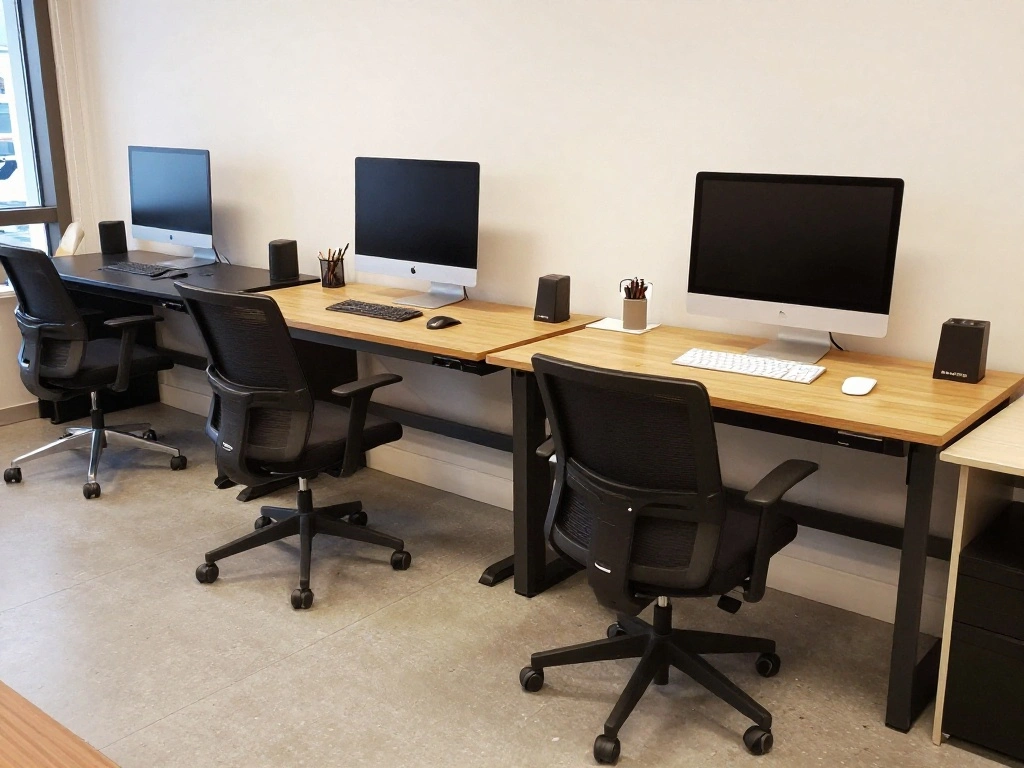
Selecting the right furniture is essential for comfort and productivity. Follow these steps:
- Choose two desks that fit your space and suit both users’ needs.
- Opt for ergonomic chairs to promote healthy posture.
- Ensure desks have enough surface area for computers and work materials.
Pro Tip: Consider adjustable desks for flexibility.
Warning: Avoid bulky furniture that hinders movement.
Why this matters: Comfortable and functional furniture enhances productivity and reduces discomfort. This step should take about 1 hour.
Step 3: Set Up Technology
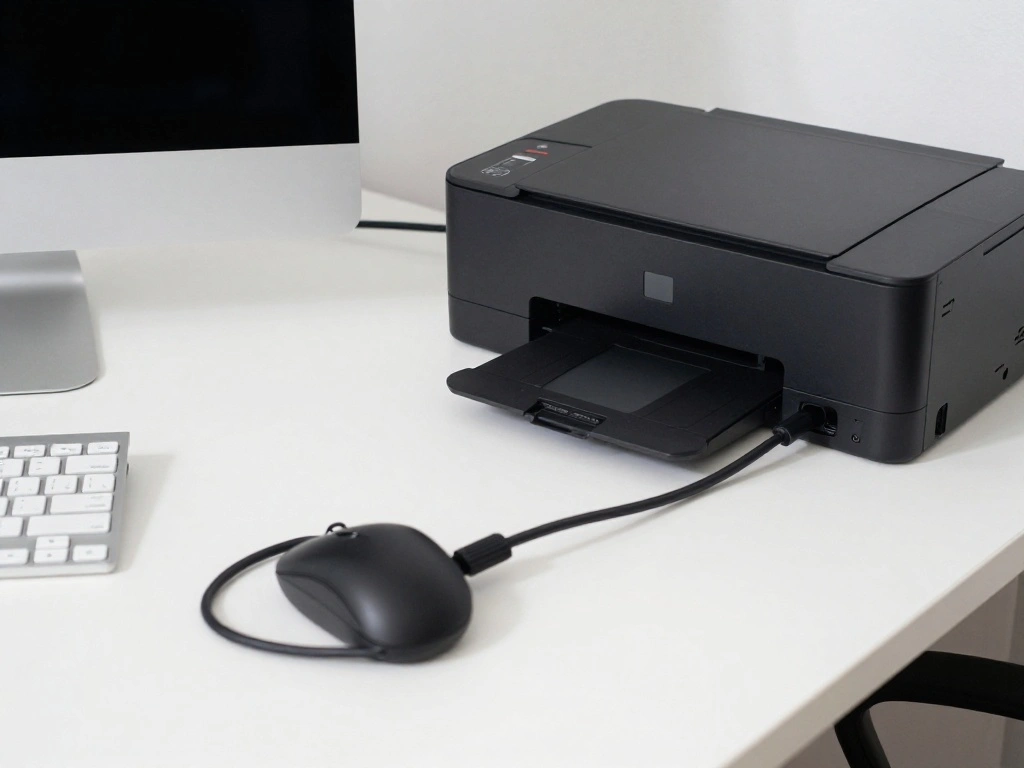
Now it’s time to set up the technology required for both individuals. Follow these steps:
- Position computers or laptops at each desk.
- Connect the printer in a central location for easy access.
- If applicable, set up additional monitors for each user.
Pro Tip: Use cable management solutions to keep cords organized and out of the way.
Warning: Ensure all devices are plugged into surge protectors to avoid electrical issues.
Why this matters: A well-organized tech setup enhances efficiency and connectivity. This step should take about 1 hour.
Step 3: Set Up Technology
Editor’s Choice
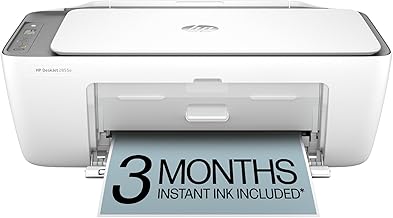
HP DeskJet 2855e Wireless All-in-One Color Inkjet Printer, Scanner, Copi…

VIVO STAND-V002F Dual LED LCD Monitor Free-Standing Desk Stand for 2 Scr…

Alex Tech 10ft – 1/2 inch Cord Protector Wire Loom Tubing Cable Sleeve S…
Step 4: Organize Office Supplies

Organizing office supplies is vital for maintaining productivity. To achieve this:
- Gather all office supplies and categorize them (pens, papers, etc.).
- Use desk organizers and file holders to keep items easily accessible.
- Designate a shared storage area for additional supplies.
Pro Tip: Label storage containers for quick identification.
Warning: Avoid cluttering desks with unnecessary items.
Why this matters: An organized workspace reduces distractions and improves efficiency. This step should take about 30 minutes.
Step 4: Organize Office Supplies
Editor’s Choice

IRIS USA File Box WeatherPro Organizer Plastic for Letter/Legal, Water R…
Step 5: Personalize the Space
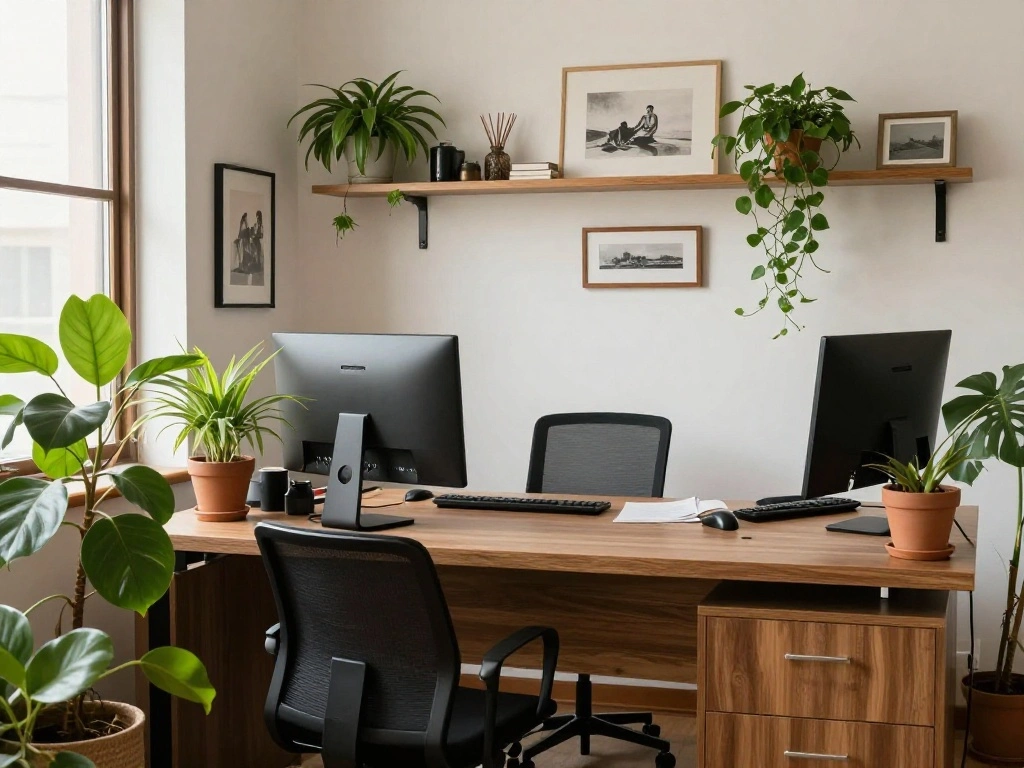
Make the office feel like home by personalizing it. Here’s how:
- Choose a few decorative items that reflect both users’ personalities.
- Add plants to improve air quality and create a calming atmosphere.
- Incorporate artwork or photos that inspire both individuals.
Pro Tip: Use a shared board for notes and reminders to keep both users informed.
Warning: Avoid excessive decorations that can distract from work.
Why this matters: Personal touches create a positive work environment and foster creativity. This step should take about 30 minutes.
Step 6: Establish a Cleaning and Maintenance Routine

Maintaining an organized space is crucial for ongoing productivity. To establish a routine:
- Set a weekly cleaning schedule for both users.
- Encourage each person to declutter their workspace daily.
- Regularly assess and reorganize supplies as needed.
Pro Tip: Use a shared calendar to track cleaning tasks.
Warning: Neglecting organization can lead to a chaotic workspace.
Why this matters: A clean and organized office promotes a focused work environment. This step should take about 30 minutes.
Step 6: Establish a Cleaning and Maintenance Ro…
Editor’s Choice

MaxGear Monthly Calendar Dry Erase Board for Wall, 16″x12″ Small Hanging…
WALI Desk File Organizer, 4 Tier Desktop Paper Letter Tray Organizer wit…
Pro Tips
- Define Work Hours: Set specific work hours to minimize interruptions.
- Use Noise-Canceling Headphones: Invest in headphones to reduce distractions.
- Implement a ‘Do Not Disturb’ Sign: Use a sign to signal when one person needs quiet time.
- Regular Check-Ins: Schedule brief meetings to discuss workflow and any issues.
- Keep Personal Items Minimal: Limit personal items to avoid clutter and distraction.
Pro Tips
Editor’s Choice
WALI Desk File Organizer, 4 Tier Desktop Paper Letter Tray Organizer wit…

Custom Privacy Door Sign – Do Not Disturb, In A Meeting, Working Remotel…

JBL Live 770NC – Wireless Over-Ear Headphones with True Adaptive Noise C…
Common Mistakes to Avoid
- Warning: Overloading the space with furniture can hinder movement. Avoid this by measuring before buying.
- Warning: Ignoring individual needs can lead to frustration. Ensure the setup accommodates both users’ preferences.
- Warning: Neglecting organization can create chaos. Stick to a maintenance routine to keep the space tidy.
Common Mistakes to Avoid
Editor’s Choice

D-Line Cable Management Box, Power Strip Holder, Floor Outlet Hiders, De…

VERSADESK EvoLift 40″ Electric Standing Desk Converter, Sit to Stand Mot…
WALI Desk File Organizer, 4 Tier Desktop Paper Letter Tray Organizer wit…
Troubleshooting Section
- Problem: Too much noise in the office.
Solution: Use noise-canceling headphones or create a quiet time schedule. - Problem: Cluttered workspace.
Solution: Establish a daily decluttering routine. - Problem: Technology issues.
Solution: Regularly update software and check connections.
Troubleshooting Section
Editor’s Choice

Soundcore by Anker Q20i Hybrid Active Noise Cancelling Headphones, Wirel…
WALI Desk File Organizer, 4 Tier Desktop Paper Letter Tray Organizer wit…
Variations/Alternative Methods
- Open vs. Closed Office Layout: Choose an open layout for collaboration or a closed layout for privacy, depending on your needs.
- Shared Desks: If space is limited, consider using a large shared desk instead of individual desks.
FAQs
- What if I don’t have enough space for two desks?
You can opt for a shared desk or use a folding desk that can be stored away when not in use. - How long should I spend organizing the office?
Expect to spend about 2-3 hours for a thorough setup, depending on your needs. - Is it safe to use extension cords for multiple devices?
Yes, as long as you use high-quality surge protectors and don’t overload the circuits.
FAQs
Editor’s Choice

2-Tier Desk Shelf, Expandable Under Desk Storage, Clamp on Desk Shelf, D…

6Ft Power Strip Surge Protector – Yintar Extension Cord with 6 AC Outlet…

Claiks Electric Standing Desk, Adjustable Height Stand up Desk, 24×48 In…
Conclusion
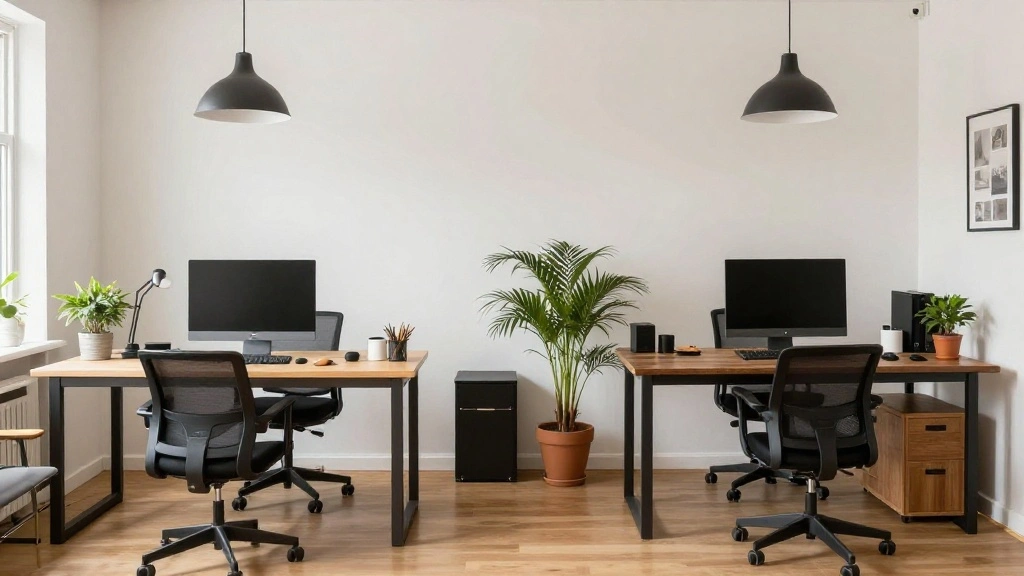
Congratulations! You’ve successfully organized your shared home office. By following these steps, you’ve created a workspace that enhances productivity and minimizes distractions.
As a next step, maintain your newly organized office with regular cleaning and check-ins. For more tips on effective work-from-home strategies, consider exploring additional resources.
Enjoy your collaborative workspace and embrace the benefits of working together in harmony!